Soundbar Stereo Mode vs Surround Mode: Choose Clarity
By Aisha Kapoor • 20th Nov
Quick verdict
Choose the mode that keeps dialogue clear at a comfortable volume. Start with your soundbar’s basic or stereo-labeled setting, then compare Surround using the same familiar scene, volume, and listening position. Keep Surround only if it adds space without making voices less settled or harder to follow.
- Choose the basic option if: Speech clarity, quiet-hour listening, or predictable presentation matters most—or surround sounds distracting in your room.
- Choose Surround if: It adds spaciousness you enjoy and dialogue remains equally easy to understand during busy scenes.
- Main trade-off: Surround processing can feel more enveloping, but results vary with the soundbar, source, room acoustics, and listener preference.
Important: The available evidence does not identify one setting as best across soundbars, and it does not establish that every soundbar’s Stereo, Surround, or Dialogue mode behaves the same way.
The real question in soundbar stereo mode vs surround mode is not which button is "better." It is which presentation lets your household follow the story comfortably. In this guide to soundbar audio modes explained, you'll learn how to compare the two without getting trapped by mode names, marketing language, or a long evening of rewinding dialogue.
A soundbar can make a room feel bigger with processing, or make a familiar soundtrack feel less settled. For parents watching after bedtime, apartment dwellers protecting neighbor peace, and anyone who wants one-remote harmony, the winning setting is the one that preserves voices at a comfort volume.
If you can't hear whispers, it isn't immersive.
The problem: mode names promise more than they explain
Soundbar presets may include choices for movies, sports, music, or dialogue enhancement. Those labels look reassuringly simple, but their actual processing is manufacturer- and model-specific. A label alone does not establish how a setting routes or processes audio.
Soundbars commonly offer content-oriented presets, and some provide only basic bass and treble adjustment rather than detailed equalization. That makes a fast, repeatable listening comparison more useful than trying to decode the label alone.
This matters because the soundbar has to serve several jobs in the same room:
- A hushed drama where voices need to stay understandable.
- An action film where you want spatial cues without a harsh or distracting presentation.
- Background television during quiet-hours.
- Music, where you may prefer a presentation that simply feels natural to you.
The button that sounds exciting for a ten-second trailer may be tiring through a full movie. And a setting that makes one scene feel wider may leave a later conversation feeling less anchored. That does not mean surround processing is automatically wrong; it means it deserves an audition, not blind faith.
Why surround can be helpful - and why it can miss
What a virtual surround mode is trying to do
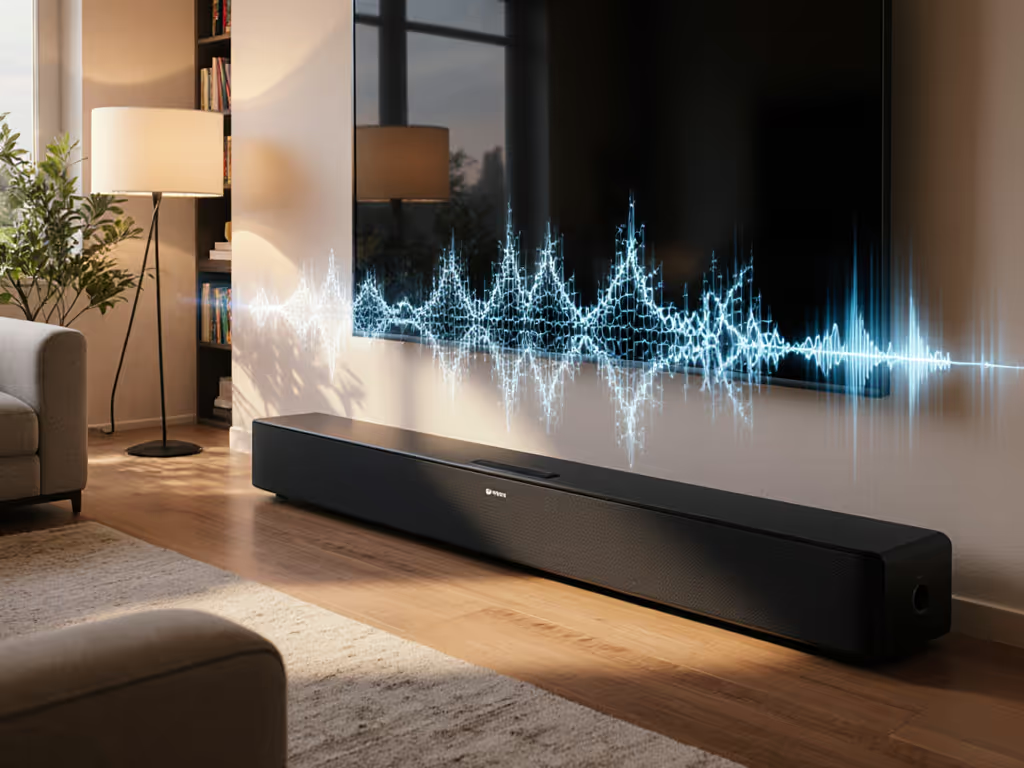
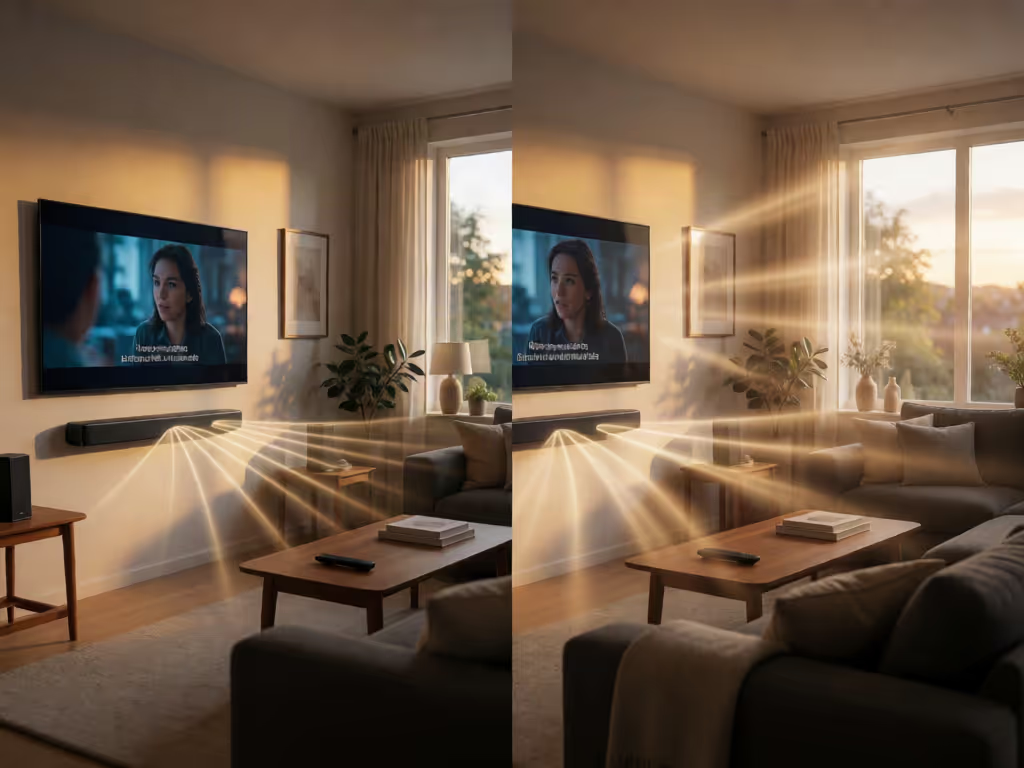
A virtual surround mode aims to create a more spacious or enveloping presentation from a soundbar. SonicNook describes soundbar virtual-surround results as dependent on room acoustics and on whether the layout can support useful wall and ceiling reflections. For better results, review this guide to soundbar placement and room acoustics before judging the mode itself.
In that publisher's description, an open floor plan may not provide the enveloping sound you want. Treat the effect as optional seasoning, not a guarantee of cinema-like placement.
It is also important not to confuse virtual surround with native multichannel or object-based audio. Documentation for one AI stereo-to-surround upmixing tool says its output is an estimate of a surround mix, not a guaranteed recovery of the original surround channels or object positions.
Processing choices can be deliberately different
Even dedicated surround upmixers can make very different choices about what they emphasize. In one reviewer's comparison of three processors using a multichannel movie soundtrack in a full home-theater setup, one approach leaned toward atmospheric material while another pushed more discrete effects upward and louder. The reviewer found the more aggressive approach could be showy, but potentially distracting when effects appeared in unsuitable locations.
That test was not a test of soundbar modes, and it should not be stretched into a rule for every bar, movie, song, or podcast. It does illustrate the practical point: added spaciousness always involves a presentation choice. More obvious processing is not automatically more involving, and subtler processing is not automatically clearer.
The agitation: the wrong test creates the wrong answer
The common mistake is switching modes during an explosion, hearing extra width, and leaving Surround on forever. Then the next dialogue-heavy scene arrives: the score swells, someone speaks softly, and the remote comes out again.
I have seen this movie-night pattern in miniature: after bedtime, the big moments felt oddly thin while whispers disappeared, and the room kept pausing to ask, "What did they say?" The aim is not to flatten a film into bland sound. It is to keep the story intact without turning the room into a volume negotiation.
Avoid these unhelpful assumptions:
- A "Stereo" label has one universal technical meaning. The available evidence does not establish whether a soundbar's Stereo mode is direct, unprocessed, or routed the same way across models.
- "Surround" always improves immersion. It may enhance spaciousness, or it may not suit your room, source, or taste.
- A dialogue setting always fixes speech. The evidence shows only that dialogue-enhancement presets may be offered; it does not establish how they work or what trade-offs they have.
- Lowering bass always clears up voices. The collected evidence does not support a universal claim that lowering bass improves dialogue clarity.
The frustration is understandable: you are not doing anything wrong. The menu is simply much less descriptive than it looks.
The solution: use a clarity-first A/B test
Instead of assuming a mode name identifies the better choice, run a short comparison with your own content. This gives you a practical way to choose between your soundbar’s available stereo-labeled and surround settings without assuming how either one works.
Step 1: Pick a revealing scene
Choose a segment you know well. Ideally, it includes:
- Quiet conversation or whispered lines
- Background music
- A busier moment with effects
- At least one speaker whose voice tends to get lost
Use the same source and the same seat for every pass. Keep the volume unchanged. Changing volume while changing mode makes it difficult to know what actually improved.
Step 2: Start with the least showy option available
Begin with the mode your own manual describes as Stereo, Standard, Direct, or its basic equivalent. Do not assume what the label technically does; simply treat it as your baseline.
Listen for three questions:
- Can you understand the quiet line on the first pass?
- Do voices remain easy to follow when music or effects arrive?
- Does the sound feel comfortable rather than demanding more volume?
If those answers are mostly yes, you already have a strong reference point.
Step 3: Switch to Surround, then repeat the same scene
Now try Surround or Virtual Surround. Listen for the benefit you actually value: perhaps a broader sense of space, a more engaging crowd scene, or clearer separation between layers. Then check whether voices remain as easy to follow as they were in the baseline.
A good result is not "I can hear the processing." It is "the film feels bigger and I still understand every line." If the effect draws attention to itself, causes voices to seem less settled, or makes you reach for more volume, it has not earned its place for that kind of content.
Step 4: Choose two simple go-to settings for real life
Use a no-fuss routine:
- Everyday / quiet-hours: the mode that gives the most dependable speech at comfort volume.
- Movie time: the mode that adds enjoyable space without sacrificing dialogue.
For soundbars suited to music listening, repeat the same A/B test with two songs you know rather than borrowing your movie preference. Soundbar presets may include a Music option, but the available evidence does not test whether that option is best for a given listener or genre. Pick the option that keeps you listening, not the one with the most impressive name.
Step 5: Do a partner approval check
Ask another person in the usual seating area one question: "Did you catch that line without looking at subtitles?" This small partner approval check is more useful than debating audio jargon. If they can relax and follow the film, your setting is doing its job.
When should you choose each mode?
Choose the basic or stereo-labeled option when
- Dialogue is the priority.
- You are watching late and want predictable comfort volume.
- The surround effect sounds vague, distracting, or inconsistent.
- Your room is open or irregular and the spatial effect does not translate well.
- You simply prefer the presentation after comparing it.
Choose surround processing when
- It adds a spacious feeling you genuinely enjoy.
- Dialogue remains easy to understand during busy scenes.
- It works well from your main seat in your specific room.
- You are watching content where the extra sense of scale adds to, rather than competes with, the story.
Neither list is a verdict on your soundbar. The sensible habit is to compare, then stop tinkering once the result feels right.
FAQ
Is a soundbar the same as surround sound?
Not necessarily. A soundbar may offer a virtual-surround presentation. SonicNook describes the result as dependent on room acoustics and on whether the layout can support useful wall and ceiling reflections. It should not be treated as identical to a system using speakers placed around the listener.
Can I use a soundbar just for music?
Yes, soundbar presets may include music-oriented options. The available evidence does not test soundbar music playback quality or establish which mode is best for a particular listener. Compare your available modes with familiar tracks at the same volume and keep the one that sounds most satisfying to you.
Final verdict: clarity wins the tie
Because the available evidence does not define Stereo or Surround behavior across brands, start with the setting that makes speech easiest to follow at a comfortable level. If your soundbar’s surround setting adds enjoyable spatial cues without making voices harder to catch, keep it for that content.
Your final setting does not need to be the most theatrical, technical, or expensive-sounding option. It needs to let everyone finish the film comfortably (laughing instead of rewinding) and keep the room peaceful when the house is winding down.
Related Articles