PC Gaming Soundbar Comparison: Razer Leviathan V2 vs Stage SE
By Rafael Ortiz • 15th Aug
Quick verdict
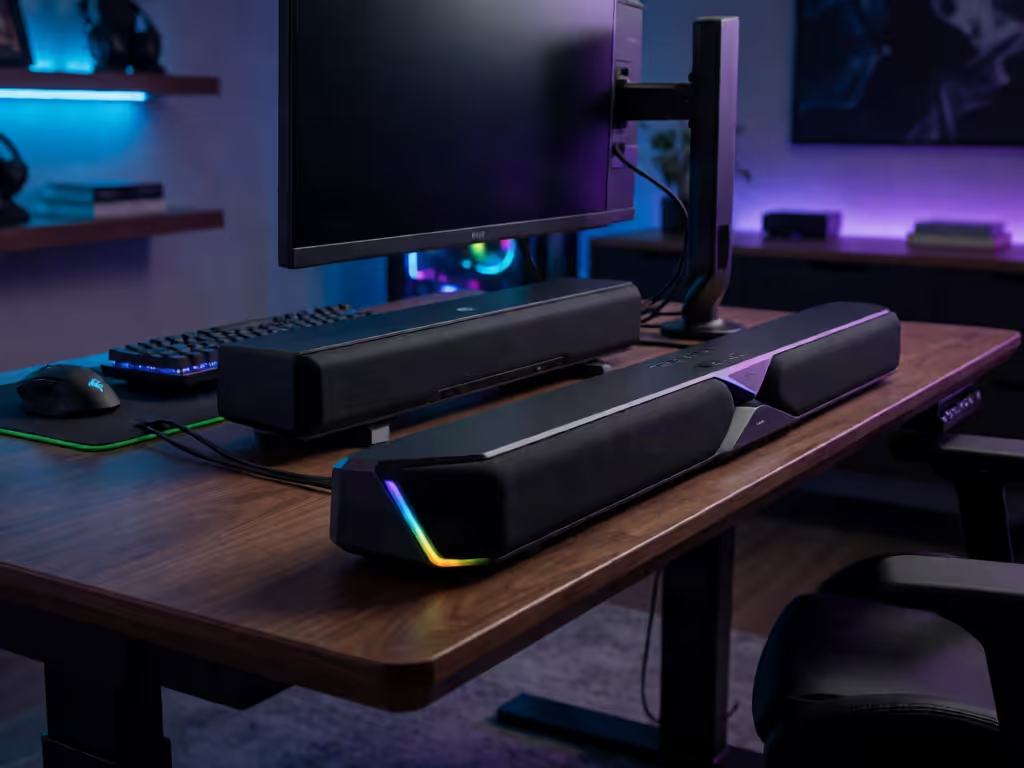
The Razer Leviathan V2 is the safer choice when documented PC connectivity and adjustable gaming features matter; choose the Creative Stage SE when compact dimensions are the priority. This comparison does not establish superior sound quality or measured gaming latency.
- Choose the Razer if: You want USB PC audio, Bluetooth 5.2, THX Spatial Audio through Synapse, adjustable soundbar angle, a subwoofer, and 18-zone Chroma RGB.
- Choose the Creative if: Your main constraint is desk space. The cited Stage SE dimensions are 410 × 82 × 63 mm, but confirm the exact unit’s ports and controls before relying on it for gaming.
- Main trade-off: Razer offers the stronger documented feature set, while Creative offers the clearer fit information.
Important: Creative’s support page calls the product Stage SE, while the retailer-hosted specification sheet with these dimensions is titled “Stage SE mini.” Verify the exact version before buying.
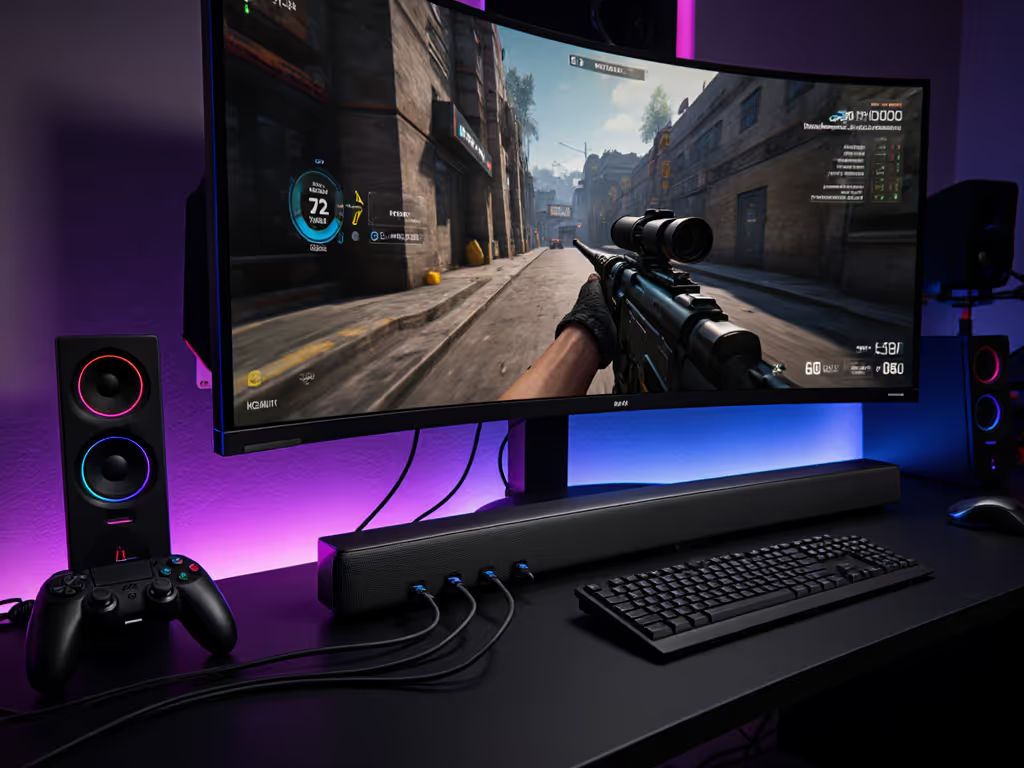
A useful PC gaming soundbar comparison starts with the signal path, not the lighting. The Razer Leviathan V2 has a documented USB Audio Input for PC, a separate subwoofer, software-controlled spatial processing, and RGB. That is a meaningful set of knowns for a desktop buyer who wants a gaming speaker bar rather than another vague "surround" promise.
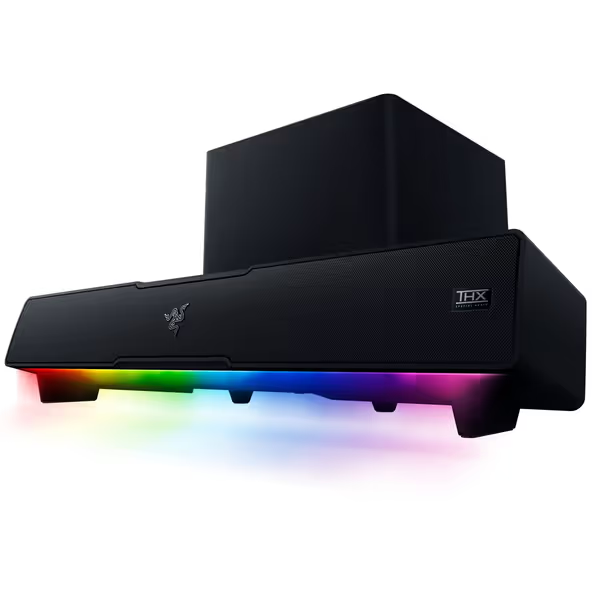
Razer Leviathan V2
Immersive PC gaming audio with spatial surround and customizable RGB lighting.
$197.49
Spatial AudioTHX 7.1 Surround Sound
Spatial AudioTHX 7.1 Surround Sound
Pros
Pinpoint accurate 7.1 surround for gaming immersion
Compact design fits under monitors, declutters desktop
Customizable RGB lighting with Razer Chroma integration
Cons
Bluetooth connectivity issues reported by some users
Customers praise good sound quality, high volume, and clean aesthetics, but some report Bluetooth issues and subwoofer performance at lower volumes.
Customers praise good sound quality, high volume, and clean aesthetics, but some report Bluetooth issues and subwoofer performance at lower volumes.
The Creative Stage SE sits at the other end of the decision: its documented physical footprint is compact - 410 × 82 × 63 mm (16.1 × 3.2 × 2.5 inches) and 0.73 kg (1.61 lb) - but the available evidence provides less detail about its connection behavior and processing. That does not make it a bad choice. It means you should not buy it on assumptions about gaming latency, USB audio, virtual surround, or software controls.
This is therefore not a contest of claimed "immersion." It is a decision between a feature-documented desktop system and a compact soundbar whose size is the clearest verified advantage.
The short answer
Choose the Razer Leviathan V2 if you want the documented PC path and the ability to tune the experience: USB Audio Input to a PC, Bluetooth 5.2, THX Spatial Audio on supported Windows systems, Razer Synapse controls, adjustable soundbar angle, and 18-zone Chroma RGB. It is also explicitly a soundbar-and-subwoofer system.
Choose the Creative Stage SE if your first constraint is physical space. The available technical listing identifies a 410 mm-wide, 82 mm-deep, 63 mm-high bar. But verify the exact unit's ports and controls before ordering if those details decide your setup. Creative lists the Stage SE in its support material, while the retailer-hosted specification sheet is titled "Creative Stage SE mini."
There is no proof here that either product delivers confirmed end-to-end latency at 144 Hz, and neither should be treated as a solution for VRR/ALLM or a 120 Hz path. For broader recommendations focused on low-latency console and PC gaming audio, see our gaming soundbar guide. For a 144 Hz monitor audio setup, that distinction matters more than a dramatic feature list.
What is actually documented
| Decision point | Razer Leviathan V2 | Creative Stage SE |
|---|---|---|
| PC wired-audio connection | USB Audio Input to PC is documented | Not confirmed in the available evidence |
| Wireless connection [ | Bluetooth 5.2 documented](https://www.razer.com/gaming-speakers/razer-leviathan-v2?srsltid=AfmBOoqlwAcIk6ILT2tJaQ8csQATSGJdY-jrhg-oiSKVtzg2s8kCHBxf) | Retail listing states a 10 m / 33 ft Bluetooth range; version and latency are not confirmed here |
| Audio configuration | Multi-driver soundbar with subwoofer | Not confirmed in the available evidence |
| Spatial/game processing | THX Spatial Audio; Razer says advanced 7.1 is activated through Synapse on Windows 10 64-bit or later | Not confirmed in the available evidence |
| Software controls | Razer Synapse and Razer mobile apps adjust audio settings and RGB | Not confirmed in the available evidence |
| Lighting | 18-zone Razer Chroma RGB | Not confirmed in the available evidence |
| Confirmed dimensions | Not listed by the manufacturer | 410 × 82 × 63 mm; 0.73 kg, as listed on a "Stage SE mini" spec sheet from a retailer |
| HDMI passthrough | Not specified | Not confirmed in the available evidence |
| 144 Hz, VRR/ALLM, or 4K/120 compatibility | Not specified | Not confirmed in the available evidence |
The blunt reading: the Leviathan V2 has the stronger documented feature case. The Stage SE has the stronger documented fit case. Do not turn blanks in the table into a verdict that the Creative lacks a feature; they are simply not confirmed in the available evidence.
Razer Leviathan V2: the better-defined PC system
Razer's design makes the intended topology straightforward: PC → USB Audio Input → Leviathan V2. Your monitor remains connected directly to the PC for video. That is the cleanest architecture when display refresh behavior is non-negotiable, because the audio device is not being asked to carry the monitor signal through an HDMI chain.
That is an architecture benefit, not a measured latency claim. There is no instrumented test provided here for the Leviathan V2's USB latency, Bluetooth latency, or sync performance at 144 Hz. Razer describes its Bluetooth 5.2 connection as low latency, but does not provide a numerical measurement in its materials. If timing-sensitive multiplayer is the priority, use the documented PC USB Audio Input rather than treating wireless convenience as proof of a latency result.
Spatial audio and controls: useful, but not magic
Razer describes THX Spatial Audio as advanced 7.1 surround sound, available on Windows 10 64-bit or later and activated in Razer Synapse. Synapse and Razer's mobile apps can adjust audio settings and lighting; the bar has 18 Chroma RGB zones.
Those are real configuration options, not independent proof that a virtualized sound field will improve enemy tracking in every game. Positional cues depend on the game's own mix, Windows configuration, and where you sit relative to the bar. Start with the game's audio output set sensibly, then test spatial processing against a familiar scene. If effects become vague or dialogue loses focus, turn the processing down rather than forcing it because the box says 7.1.
The practical hardware benefit is more concrete: Razer supplies two sets of detachable feet for angle adjustment. Because desk geometry strongly affects what you hear, our soundbar placement guide offers additional advice for positioning the bar effectively. On a desk, aim matters. A bar firing into the underside of a monitor shelf is not a winning setup, regardless of the driver count.
Protect the latency budget; then layer Atmos and extras.
That principle is why I am cautious with complex chains. I have lost too much time chasing a "slow" game only to find processing stacked between the source, display, and audio gear; once the direct path was restored, the map felt immediate again.
Creative Stage SE: compact first, verify the rest
The Razer Leviathan V2 vs Creative Stage SE comparison changes if your desk has no spare depth and every centimeter matters. The Stage SE's available dimensions - 410 mm long, 82 mm deep, and 63 mm tall - give you a concrete clearance target beneath a monitor. At 0.73 kg, it is also a light bar to move while testing placement.
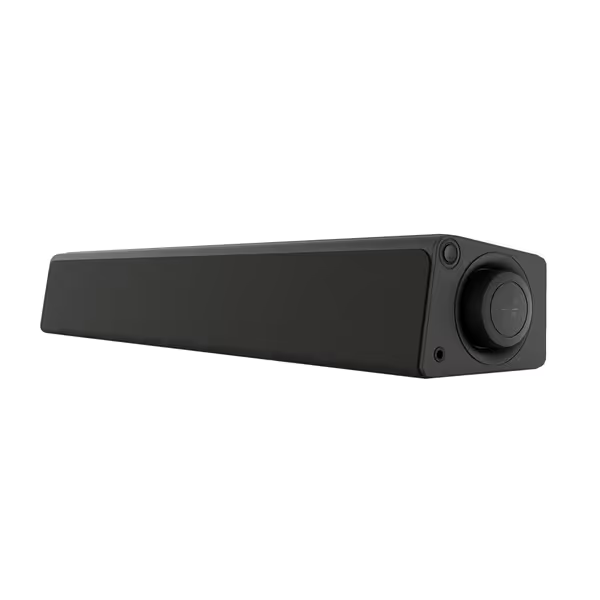
Creative Stage SE mini Soundbar
Compact soundbar for clutter-free desktop audio with headphone output.
$33.24
0ConnectivityBluetooth 5.3 & USB Audio
ConnectivityBluetooth 5.3 & USB Audio
Pros
Fits under monitors, saving desk space
Private listening with built-in headphone jack
Simple USB power for a tidy setup
Cons
Renewed product (not new)
The naming needs one practical note: Creative's own support material identifies Creative Stage SE, while the retailer-hosted specification sheet carrying the dimensions is titled Creative Stage SE mini. Treat the measurements as a useful planning reference, then check the listing and package details for the exact version you are buying.
Why the missing information matters for gaming
For the Stage SE, the available evidence does not clarify its PC wired-audio behavior, Bluetooth version, game modes, RGB, companion software, HDMI input, or any gaming-latency feature. It also does not provide an end-to-end audio-delay measurement.
That leaves a simple buying rule:
- If you only need to know whether the bar can physically live under your monitor, its cited size makes it easy to plan around.
- If you specifically need a known USB PC connection, spatial-processing controls, or adjustable lighting/audio settings, the Leviathan V2 has the documented advantage.
- If you expect HDMI routing to solve console, TV, or monitor audio, stop and confirm the Stage SE's exact inputs before purchase. HDMI, ARC/eARC, passthrough, bitstream vs PCM handling, and lip-sync are not features to guess at.
A compact soundbar is valuable only if it leaves room for the display and maintains a simple cable path. Small is good. Small plus unknown routing is where return anxiety starts.
The 144 Hz monitor setup: keep video direct
A 144 Hz monitor audio setup needs a clean division of labor:
PC graphics output ─────────────→ Monitor
PC USB audio output ────────────→ Soundbar
This diagram describes the preferred topology when using the Leviathan V2's documented USB PC input; it is not a performance measurement. The point is to avoid adding an unverified video passthrough device between GPU and monitor when high-refresh operation is central to your use.
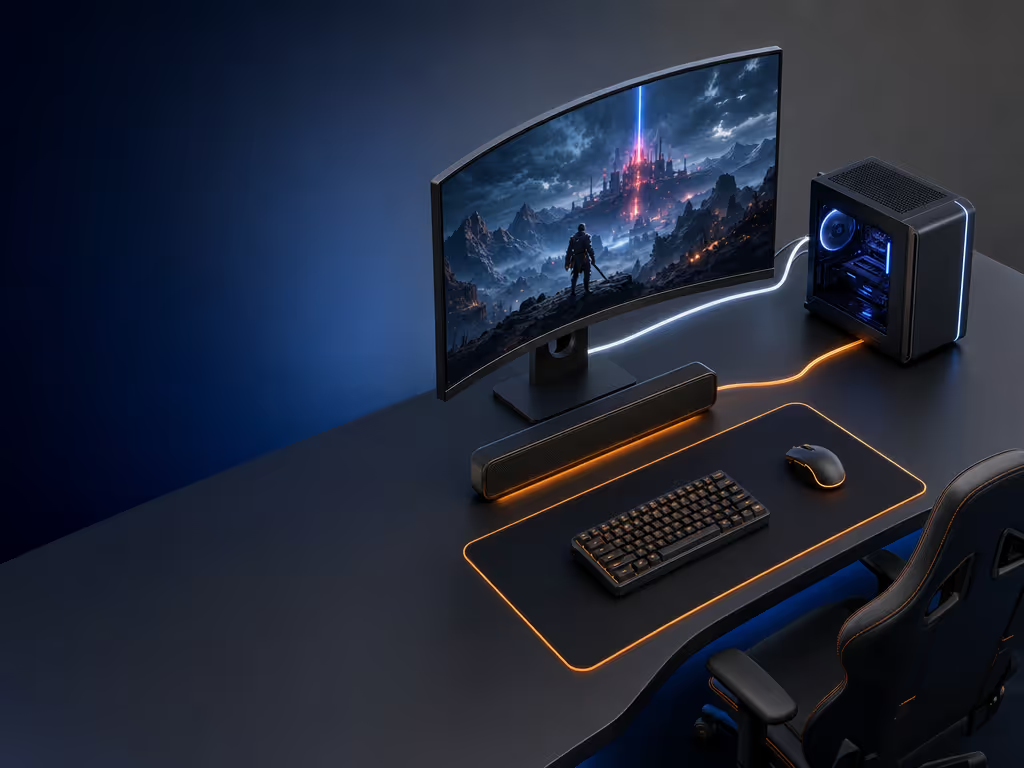
Do not assume that a soundbar with HDMI, or a soundbar without it, will preserve a specific refresh rate, adaptive-sync mode, HDR behavior, VRR/ALLM state, or resolution. For a deeper look at VRR, ALLM, and 4K/120 Hz passthrough stability, consult our HDMI 2.1 gaming soundbar guide. Those are signal-path questions with product-specific answers. No evidence here confirms them for either comparison model.
For PC gaming, follow this order:
- Get the monitor working directly from the GPU at your desired settings.
- Add audio separately through the soundbar's documented PC connection where available.
- Check lip-sync in a game you know well, using movement, weapon fire, and menu sounds - not just music.
- Only then add processing such as spatial modes or Bluetooth pairing.
That sequence protects the latency budget. It also prevents the classic mistake of blaming aim when footsteps trail the animation because the audio chain is doing more work than the game needs.
Fit and setup checklist before you buy
Measure the desk, not the product page photo
For the Stage SE, reserve at least its stated 410 × 82 × 63 mm envelope, plus room for cable bends and side controls if applicable. Measure the distance from the desk surface to the bottom of your monitor, then check whether a 63 mm-tall bar would interfere with the screen or obstruct anything you use below it.
For the Leviathan V2, Razer calls it a compact under-monitor form factor and includes adjustable feet, but the manufacturer materials do not list external dimensions. Measure your opening, then obtain the current dimensions from the seller or manufacturer before treating it as a guaranteed fit.
Choose wired first when game timing matters
Bluetooth is useful for casual listening and device switching, but do not confuse "low latency" marketing with a verified end-to-end result. For the Leviathan V2, USB Audio Input is the documented PC wired option. For the Stage SE, confirm the available inputs on the exact unit before basing a gaming purchase on a wired-audio plan.
Set a low-volume baseline
A subwoofer can add impact, but it can also be the first thing neighbors hear through a floor or shared wall. With the Leviathan V2, start with modest bass and test at the volume you actually use at night. The goal is intelligible effects and dialogue, not a desk that shakes during every menu thump. No comparative bass measurements are provided, so there is no honest basis to declare either bar more apartment-friendly.
Verdict: buy for the constraint you can prove
The Razer Leviathan V2 is the more defensible choice when your purchase depends on known PC connectivity and controllable features. Its USB Audio Input, soundbar-plus-subwoofer configuration, Windows-enabled THX Spatial Audio, Synapse controls, detachable angle feet, and 18-zone Chroma RGB are all documented.
The Creative Stage SE is the cleaner choice when a genuinely compact soundbar footprint is the non-negotiable requirement. Its cited 410 × 82 × 63 mm dimensions provide the clearest fit data in this comparison. But its gaming behavior and connection options need confirmation before you can call it the safer pick for a 144 Hz desktop.
For further exploration, map your actual chain on paper - PC, monitor, soundbar, and any console - then identify which link carries video and which carries audio. If the path stays direct, simple, and passthrough intact where passthrough is required, you are already making a better decision than someone buying on simulated-surround labels alone.
FAQ
Is the Razer Leviathan V2 just a subwoofer?
No. Razer describes the Leviathan V2 as a multi-driver gaming soundbar with a subwoofer.
What is the Leviathan V2's sound quality like?
The documentation establishes the multi-driver bar-and-subwoofer configuration and THX Spatial Audio feature, but it does not include independent listening tests or measured sound-quality results. Treat Razer's immersion and fidelity language as manufacturer positioning, not a comparative performance result.
Is the Razer Leviathan V2 "good" for PC gaming?
It has a well-defined PC feature set: USB Audio Input, Bluetooth 5.2, THX Spatial Audio on supported Windows systems through Synapse, audio/RGB controls, and 18 lighting zones. Whether it is "good" for you depends on desk fit, your tolerance for a separate subwoofer, and whether you prefer direct USB audio over wireless use. The available evidence does not provide a competitive-gaming latency ranking.
Related Articles
Comparisons & Face-Offs
Accent Clarity Soundbar Comparison for Multilingual Dialogue
2nd Jun•13 min read