Setup, Placement & Troubleshooting
USB Soundbar for PC: Turn Your Monitor Into Real Audio
11th Oct•10 min read
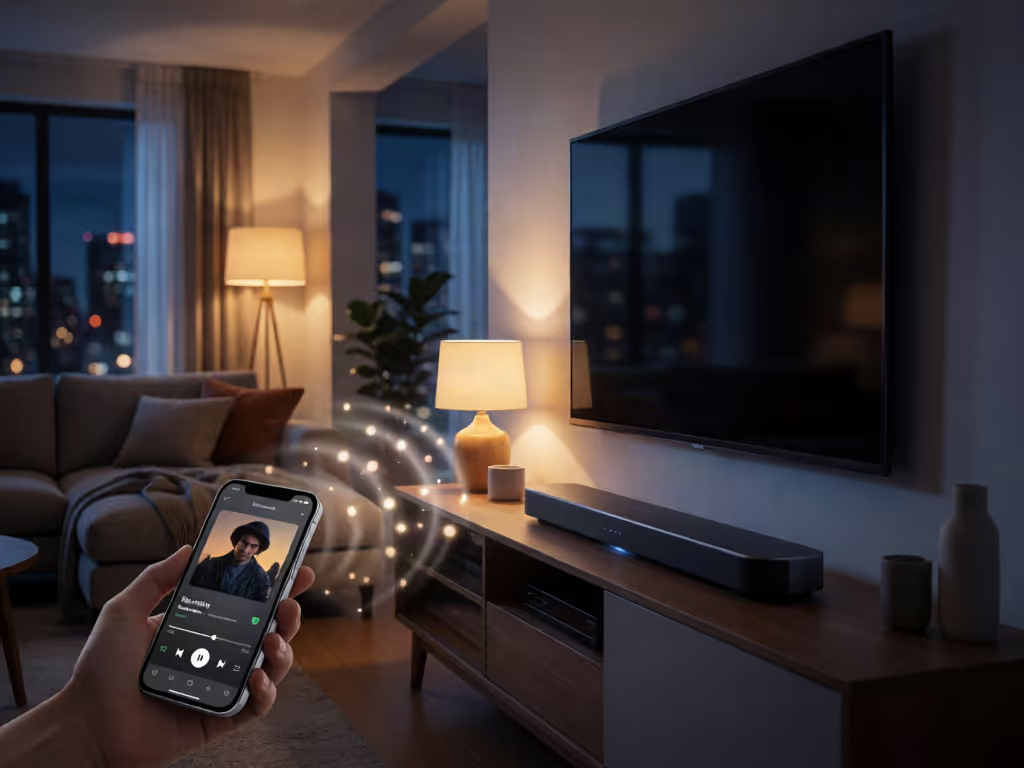
Samsung's support guidance lists phones and tablets among the Bluetooth audio sources that can pair with its soundbars. For another brand, check the exact-model documentation for compatible source devices and Bluetooth functions. Keep any working TV-to-soundbar setup in place for television audio.
Important: Bluetooth may introduce audio delay for TV viewing, so use a supported HDMI ARC/eARC or optical route when lip-sync matters.
A soundbar setup can be wonderfully simple when you treat the bar as two distinct destinations: the existing TV audio setup and, where the exact-model documentation identifies a compatible Bluetooth pairing route, a receiver for music from a phone or tablet. The important distinction is route before room. Bluetooth can make a TV bar useful for casual music, but it is not automatically the best signal path for every screen-based source.
That small bit of planning avoids the familiar loop: a phone sees the bar one day but not the next, the TV audio falls out of sync, and everyone starts pressing input buttons at random. Route first, then features; reliability makes rooms feel cinematic.
In practical terms, it means using one front-of-room bar for two separate jobs:
This is a useful arrangement in an apartment, family room, or projector space because the bar stays where it belongs (under the screen), rather than becoming another portable device that has to be charged, moved, and found again.
It does not mean every Bluetooth-marked soundbar can accept music from every device. Bluetooth functions vary. For a broader look at Bluetooth, Wi-Fi, AirPlay 2, and other wireless options, see our wireless soundbar connectivity guide. For example, Samsung's support guidance says its soundbars can pair with Bluetooth devices that play audio, naming TVs, phones, and tablets, while saying they do not pair with other Bluetooth speakers, headphones, or soundbars. Treat that as an example of why the manual for your exact model matters, not as a rule for every brand.
Before changing anything, make a one-line map:
Phone/tablet → Bluetooth → soundbar for music, where your soundbar documentation supports that pairing route
TV → existing TV-to-soundbar setup for television
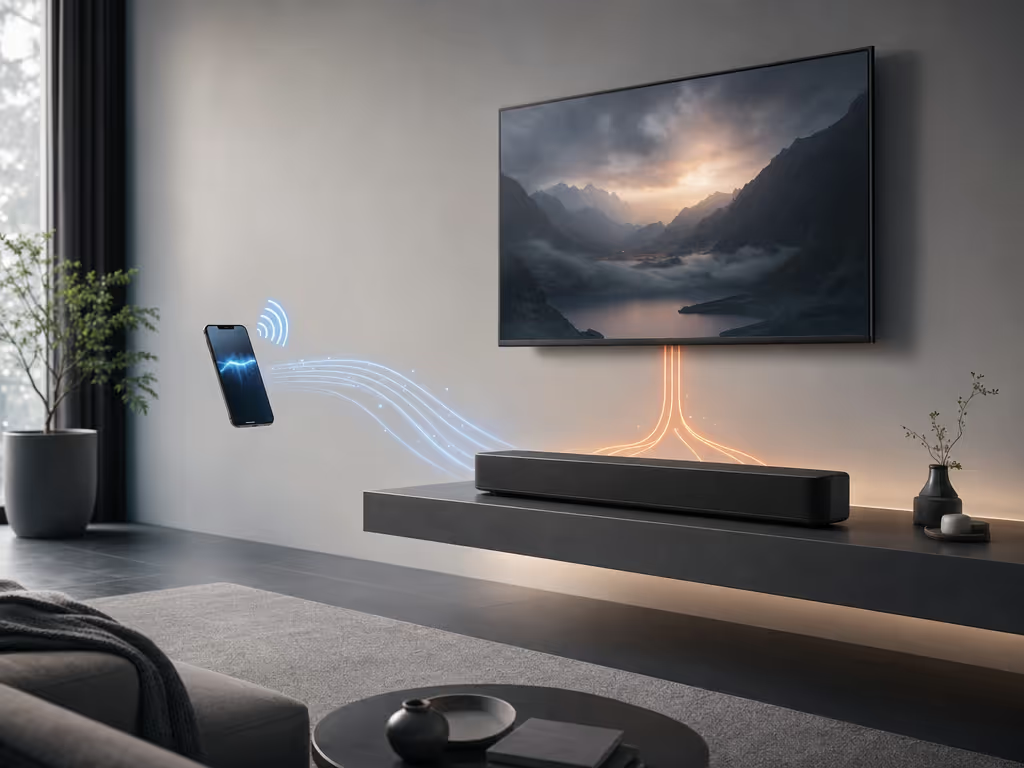
Yes, it can on compatible gear: Samsung explicitly lists a TV among example Bluetooth audio sources for its soundbars. But "can pair" is only the first checkpoint. Your particular TV must be able to send audio to Bluetooth, and the soundbar must be able to receive it as an audio source.
For a Bluetooth sound bar for TV, use the TV's Bluetooth route only after considering what you watch. A publisher guide from Sharp TV USA notes that Bluetooth commonly adds delay and suggests HDMI ARC/eARC or optical connections when synchronization matters. That makes Bluetooth reasonable to try for relaxed viewing, but worth avoiding as the default path when lip-sync is the priority (especially for dialogue-heavy programs, games, or any scene where a visible mouth must match a voice).
The methodical plan is:
This is ARC hygiene in the broad sense: do not disturb a stable television audio route just to add a second, optional route for music.
Samsung's support guidance provides a phone-and-tablet pairing example for Samsung soundbars. For another brand, use the soundbar setup sequence only after confirming that the exact model supports your source device; the exact menu names and buttons are not universal.
Look in the soundbar manual for language identifying compatible Bluetooth source devices, Bluetooth input, pairing, or a Bluetooth audio source. Do not assume Bluetooth is present merely because a product uses wireless technology in some other way.
Select the Bluetooth input, then invoke pairing as your manual directs. The trigger and display message are model-specific. On some Samsung soundbars, for instance, repeatedly pressing Source cycles the display through Bluetooth labels until BT PAIRING appears; when the bar shows BT READY, Samsung directs users to hold Source until the pairing message appears. Those labels are examples, not a button-by-button prescription for another bar.
Make the phone or tablet available for pairing if it is not already. The required steps vary by source device, so follow its own on-screen instructions or manual. Then select the soundbar from the available-device list and complete the connection.
Start quietly, verify that the bar is the active input, and raise volume gradually. This confirms the route without turning a pairing session into a volume problem.
For day-to-day use, select the bar's Bluetooth input before playing music.
The reliable setup is not the one with the longest feature list. It is the one whose source, input, and listening use are obvious to everyone in the room.
Do not reset everything at once; our soundbar troubleshooting guide follows the same principle. Isolate the fault in a clean order: source, airspace, then soundbar.
Bring the phone or tablet close to the bar for the pairing attempt. Sony advises this because distance can affect the Bluetooth connection. Sonoro similarly says walls, furniture, and even people can reduce practical distance; close range with few obstacles is the cleanest diagnostic condition.
If audio drops or pairing fails, temporarily move the bar away from nearby wireless gear and appliances, or switch those nearby devices off for the test. Sony specifically lists other Bluetooth devices, Wi-Fi routers, and microwave ovens as potential interference to reduce while troubleshooting. This does not prove interference is the cause; it simply removes a variable.
Try this sequence:
That last step is valuable. Samsung recommends alternate-device testing to separate a source-device problem from a particular source-to-soundbar pairing issue.
If pairing still fails, check whether the manufacturer provides a firmware update for the soundbar; Samsung recommends updating before trying again. A full reset belongs near the end of the process. Sony notes that a reset clears settings, including Bluetooth pairing data, and reset methods differ by model. Read the exact-model instructions first, then be prepared to restore your preferred settings and pair devices again.
Sometimes, but do not plan a room around it until your exact TV documents it. Samsung Australia describes a Multi-output Audio feature on applicable Samsung TVs that can play TV speakers and one Bluetooth audio device simultaneously, with separate volume adjustment. Its availability depends on TV model, region, purchase location, software version, and settings.
That is not evidence that every TV can combine its own speakers with a Bluetooth soundbar, nor that a soundbar and a separate Bluetooth speaker can play together. If you see a multi-output option in your television's menus, treat it as a model-specific feature and test it with your own devices.
For most rooms, one clearly defined output is cleaner than two competing ones. It simplifies volume control, avoids guesswork, and keeps the acoustic center at the screen.
For situations where picture-and-sound synchronization matters, use the connection path your TV and soundbar documentation supports for that purpose. Sharp TV USA's guidance says Bluetooth commonly adds delay and recommends HDMI ARC/eARC or optical when synchronization matters. The evidence does not support a universal quality ranking across all models, so judge the practical result on your own equipment rather than assuming a label guarantees it.
It is not an absolute "shouldn't." The meaningful caution is lip-sync: Bluetooth may add delay. If dialogue looks late, move TV playback to the TV's supported wired audio route and reserve Bluetooth for music from a phone or tablet when the soundbar documentation supports that source device.
Do not assume so. The documented Samsung Australia feature concerns TV speakers plus one Bluetooth audio device on certain compatible TVs; it does not establish simultaneous soundbar and separate speaker playback.
Once music pairing is stable, leave the physical room alone and refine the routine instead. Keep the phone-to-bar Bluetooth path only where the soundbar documentation supports it, preserve the TV setup that gives acceptable sync, and label the bar's inputs mentally, or on a small note inside the media cabinet, so another person can recover the setup without a troubleshooting session.
I have seen a ceiling-mounted projector and a faraway media cabinet turn one failed ARC handshake into an afternoon of crossed fingers. The cure was not chasing a codec badge; it was mapping the route, cleaning up the switching path, and making one long run disappear under a paintable raceway. The same principle applies here: route before room. The same principle applies here: route before room. Once the signal path is stable, use our soundbar placement guide to make sure the bar's position supports clear, evenly distributed sound. Keep Bluetooth as the simple music lane when the soundbar documentation identifies a compatible phone or tablet, and the setup can feel invisible when it works, which is exactly the point.