Setup, Placement & Troubleshooting
Soundbar Latency Test Guide to Fix Lip Sync Delay
6th Sep•9 min read
USB Audio Class provides a standards framework for audio devices, but a USB port or USB Audio Class designation alone does not establish compatibility with a particular PC, soundbar, operating system, cable, or USB implementation.
Important: No universal hookup sequence or product recommendation is established here; USB ports may provide power, service, or media functions rather than PC audio.
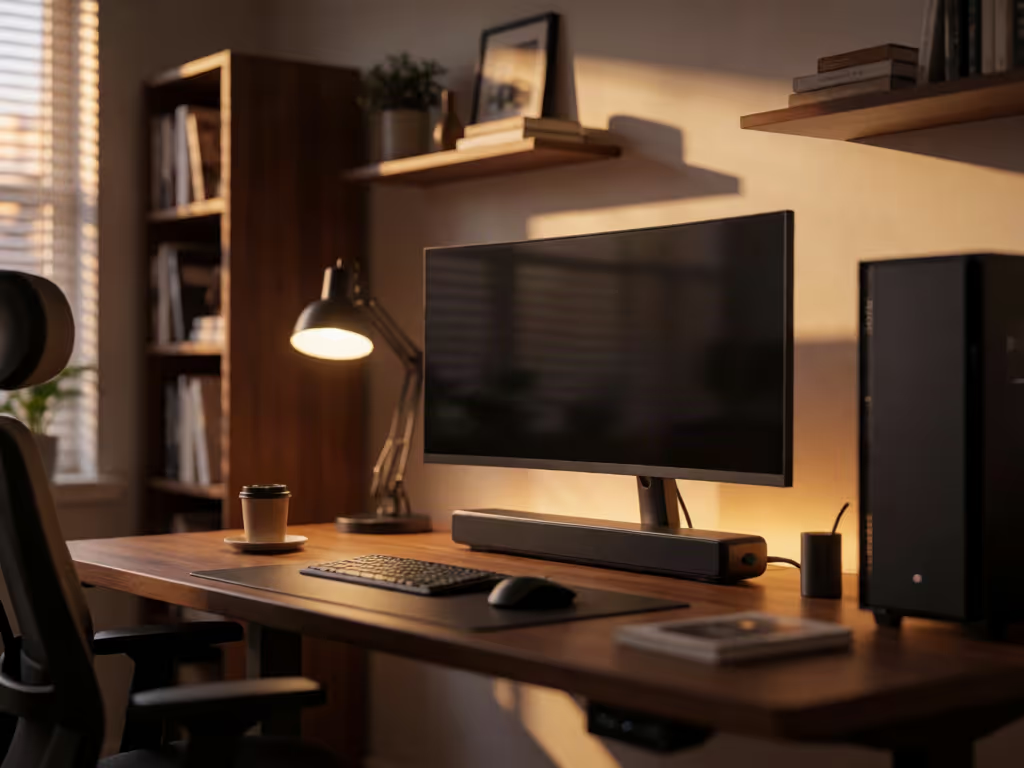
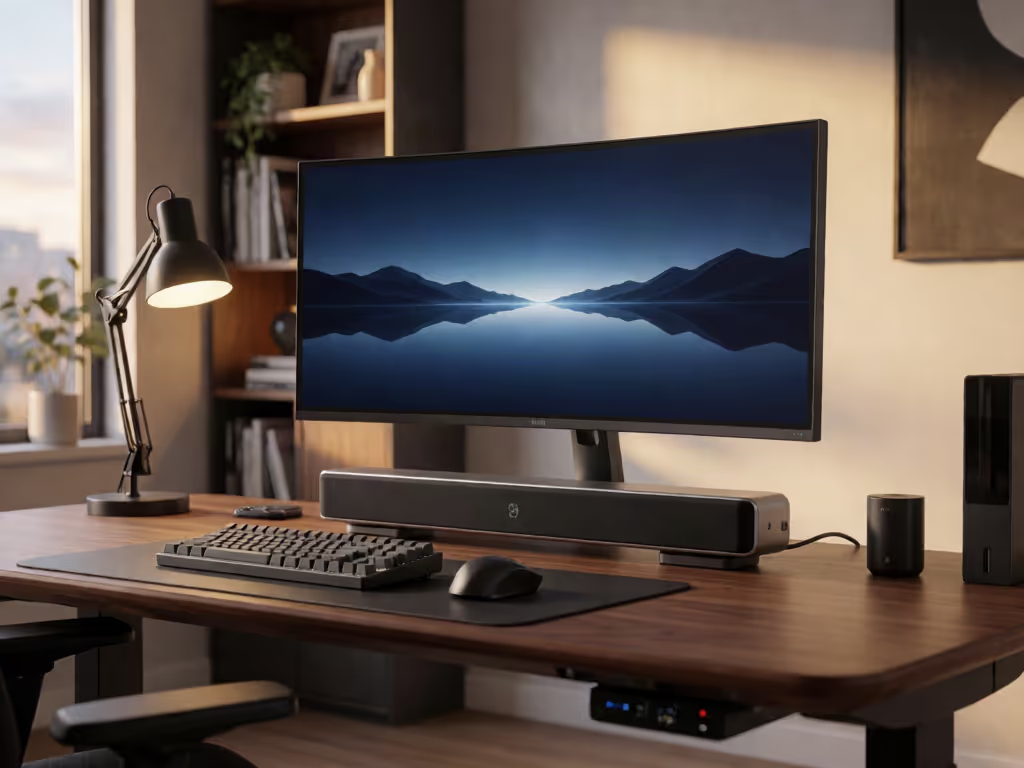
A speaker bar for computer use can make a desktop feel less like a bare monitor station, but a USB port or USB Audio Class designation does not by itself establish compatibility with a particular PC setup. That is the first filter, not the product photo, not the word "USB," and not a busy spec sheet. On a desk, the decision comes down to the listening distance, the physical space below the monitor, and a connection path you can actually assess.
A compact PC soundbar is a single enclosure that keeps the desk visually simple. That can be appealing when you do not want separate left and right speakers occupying the work surface. But it is not automatically the best format for every PC.
Audioengine, a speaker manufacturer, characterizes near-field listening as close, focused listening for personal enjoyment or detailed work at a desk. It also characterizes TV-oriented soundbars as products primarily intended to enhance television audio and fill a room. Those are different jobs.
Use that distinction as a decision tool:
The point is not that a bar is "bad" on a desk. It is that close listening changes the context. A bar designed around room use can distribute sound differently when the listener is nearby, according to Audioengine's desktop-soundbar discussion.
Do the physical audit first. It prevents the most annoying kind of return: the one caused by a bar that technically fits the desk but makes the monitor arrangement awkward.
Write down:
Do not use generic "soundbars fit under monitors" advice as a substitute for this check. Compare the exact product dimensions with your actual workspace before ordering.
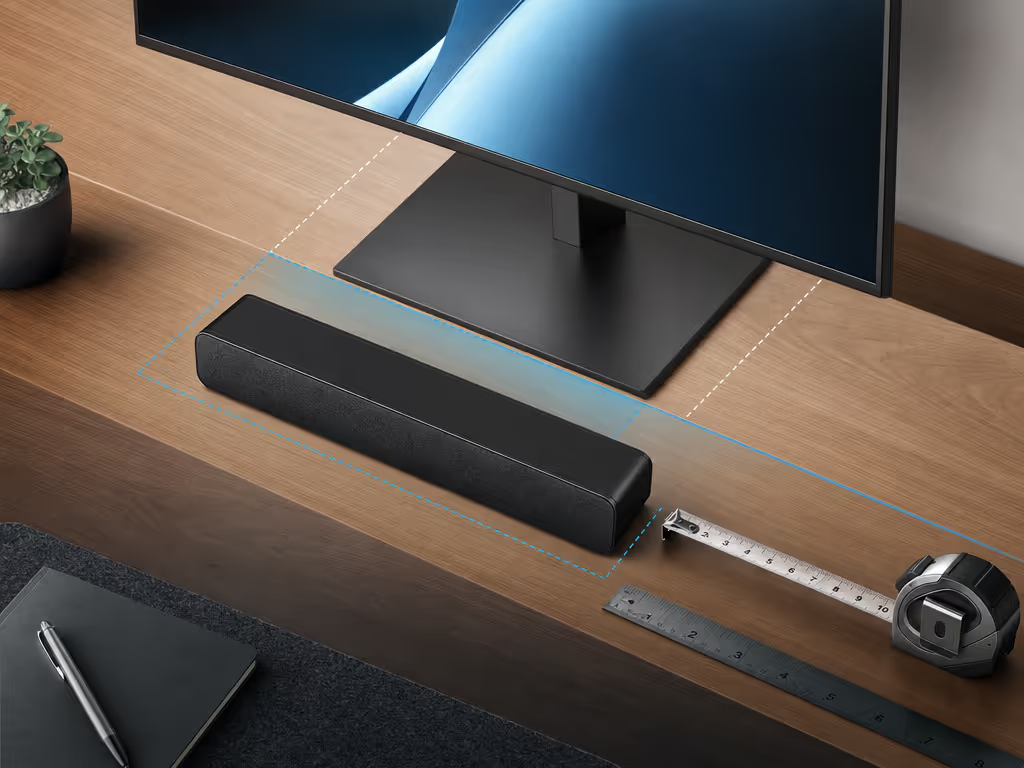
This is also where many sound bars for monitors stop being interchangeable. A long bar may suit a wide display aesthetically, while a smaller bar may leave more usable desk space. Neither outcome tells you how the unit will sound; it simply tells you whether the setup is physically workable.
USB Audio Class is a formal USB device-class definition for audio devices. The USB-IF specification includes AudioControl and AudioStreaming interface material. That is useful context: USB audio has a standards framework.
It is not proof that every USB port on a soundbar is a PC-audio input.
A USB socket can exist for reasons other than receiving audio from a computer. Before you buy or connect anything, locate the exact manual for the exact bar and determine how it describes the USB port.
If the answer is unclear, do not fill in the blank with assumption. A port marked USB may not establish the PC connection you want. Even a USB Audio Class designation does not establish compatibility with a particular soundbar, PC port, operating system, cable, or USB implementation.
For this category, passthrough integrity starts with basic honesty about the path: PC → soundbar → listener. USB terminology alone does not establish how that path will behave in a particular setup.
A generic hookup chart cannot establish a connection for a particular soundbar and PC. For a closer look at the tradeoffs among HDMI, optical, Bluetooth, and other connection methods, see this soundbar connectivity guide. Use a short pipeline map as a planning tool, while keeping in mind that it does not prove an end-to-end result at your listening position:
For USB, the limited conclusion is that USB Audio Class provides a standards framework, not compatibility proof for a particular soundbar, PC port, operating system, cable, or USB implementation.
On Windows 10 or Windows 11, Microsoft says an audio output device may be missing when the required driver is missing, outdated, disabled, or not loading correctly. If the intended device does not appear, Microsoft directs users to check whether it is enabled and detected in Device Manager under Sound, video and game controllers.
That is troubleshooting guidance, not a promise that every bar will appear or work through USB. If Windows does not see the device, Microsoft's Windows 10 and Windows 11 troubleshooting path addresses driver and Device Manager checks; it does not establish a connection method for a particular bar.
Once the bar is connected, evaluate it from the position where you will actually sit. Desktop listening is personal and close; a living-room demonstration is not a proxy for that experience.
Use familiar material that exposes the things you care about:
For a pair of speakers, Audioengine recommends ear-level placement in an equilateral triangle with the listener. That guidance applies to two separate speakers, not automatically to a single soundbar, but it highlights the underlying desktop issue: the listening position matters.
Do not overread virtual-surround or Atmos language in a small desk setup. The manufacturer discussion cited above specifically ties immersive soundbar effects to room acoustics and reflections. Test at the desk you own, in the room you use.
If the same PC setup is used for gaming, do not let a soundbar purchase become an accidental display-chain purchase. PC gamers can also compare desk fit, USB latency, high-refresh displays, and gaming modes in this PC gaming soundbar comparison. Make a separate pipeline map for the 120 Hz path, VRR/ALLM, passthrough integrity, lip-sync, and any bitstream vs PCM choices your equipment documents.
Those requirements are outside what "USB" alone establishes. A USB Audio Class specification does not verify a particular bar's gaming features, its display behavior, or a stable sync lock in your system.
I have lost enough time chasing a delayed-feeling setup to know that processing can hide in unexpected places, so a soundbar latency test guide can help identify and correct the delay. The remedy is not dramatic: simplify the route, document each link, and change one variable at a time.
Protect the latency budget; then layer Atmos and extras.
For this article's narrower PC-audio question, that means confirming the desktop result before you add bigger ambitions to the setup.
Before you commit to a speaker bar for computer use, you should be able to answer "yes" to each item:
USB Audio Class is a defined standard for USB audio devices. The standard does not establish whether a particular USB-equipped speaker or soundbar accepts USB audio from a PC. Check the product documentation for the exact function of that port.
Possibly, but USB Audio Class does not answer that question for a particular soundbar and PC. Review how the soundbar documentation describes its inputs. On Windows 10 or Windows 11, if the expected device is missing, Microsoft recommends checking whether it is enabled and detected in Device Manager.
For a desktop, the relevant difference is format and channel layout. Audioengine characterizes soundbars as primarily TV- and room-oriented, while separate left and right speakers provide true channel separation. Which is the better fit depends on whether a single compact unit or separated channels matters more in your workspace.
A successful desktop setup is not defined by the longest feature list. It is defined by a bar that physically fits and sound that works at your normal seat. Start with the desk measurements, consider the listening position, and keep USB terminology separate from every other promise on the spec sheet. That is how you approach a monitor desk as a deliberate audio setup without buying your way into uncertainty.