Comparisons & Face-Offs
Compact Sound Bars With Subwoofer for Small Rooms and Apartments
15th Oct•11 min read
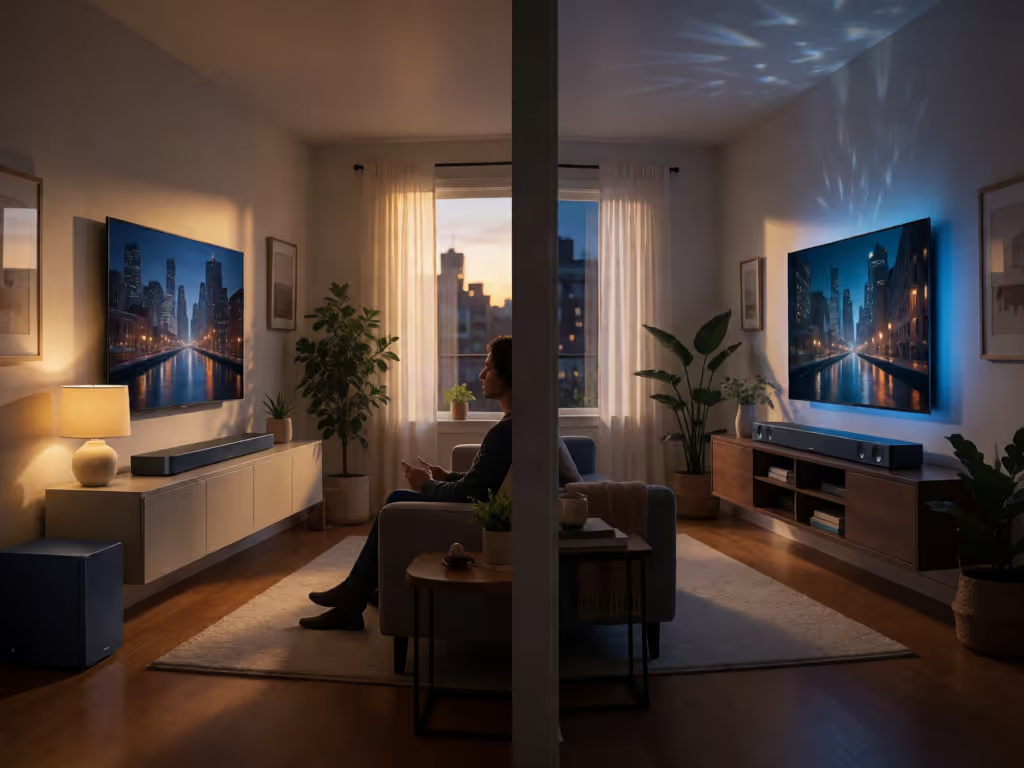
The Yamaha SR-C30A is the better fit for compact spaces, low-volume listening, and straightforward dialogue-focused features. Choose Polk’s Signa S4 if you specifically want a 3.1.2 Dolby Atmos design with a discrete center channel, up-firing drivers, and HDMI eARC.
Important: The collected evidence does not independently measure dialogue clarity, bass, overhead effects, or room performance. Confirm TV compatibility, especially if HDMI eARC is essential.
In a 2.1 vs 3.1.2 soundbar decision, the reassuring answer is that you do not have to choose between comfortable dialogue and a more cinematic presentation blindly. A soundbar with Dolby Atmos can add dedicated center and height-focused hardware, while a compact 2.1 model can prioritize a smaller footprint, low-volume listening features, and straightforward placement. The right choice is the one that lets your household follow the story with clear dialogue and immersive sound without turning every action scene into a volume negotiation.
This guide compares two specific approaches: the compact Yamaha SR-C30A 2.1 system and Polk's Signa S4, a 3.1.2 Dolby Atmos system. We will move from your everyday priority to a confident, room-friendly decision (without pretending that a channel count alone guarantees the same result in every space).
If you can't hear whispers, it isn't immersive.
Before comparing labels, name the problem you want the soundbar to solve. This keeps a feature list from taking over the decision.
Choose dialogue-first comfort if these sound familiar:
Choose more distinct front-channel and height capability if these matter more:
Neither path is a lesser version of the other. It is a question of what you will notice night after night: a small, uncomplicated upgrade that fits the furniture, or a more feature-specific route toward Atmos playback and center-channel dialogue tools.
Channel numbers are useful shorthand, but they are not a universal quality ranking, as our guide to soundbar channel configurations explains. For these two products, the configurations point to different design priorities.
The Yamaha SR-C30A is listed as a 2.1-channel soundbar system with a wireless compact subwoofer. It also lists virtual 3D surround sound, Clear Voice, and Adaptive Low Volume processing. Think of this as a compact bar-and-subwoofer pairing designed to give TV sound more scale while offering named features for speech and lower-volume use.
The bar itself is listed at 23 inches wide. That is meaningful if your television sits on a smaller console, if the shelf has limited usable width, or if partner approval depends on the audio upgrade not reshaping the whole room.
The Polk Signa S4 is listed as a 3.1.2 Dolby Atmos system. Polk describes seven drivers: discrete left, center, and right channels, plus two up-firing drivers. Polk says those upward-firing speakers deliver Dolby Atmos height channels for overhead sound.
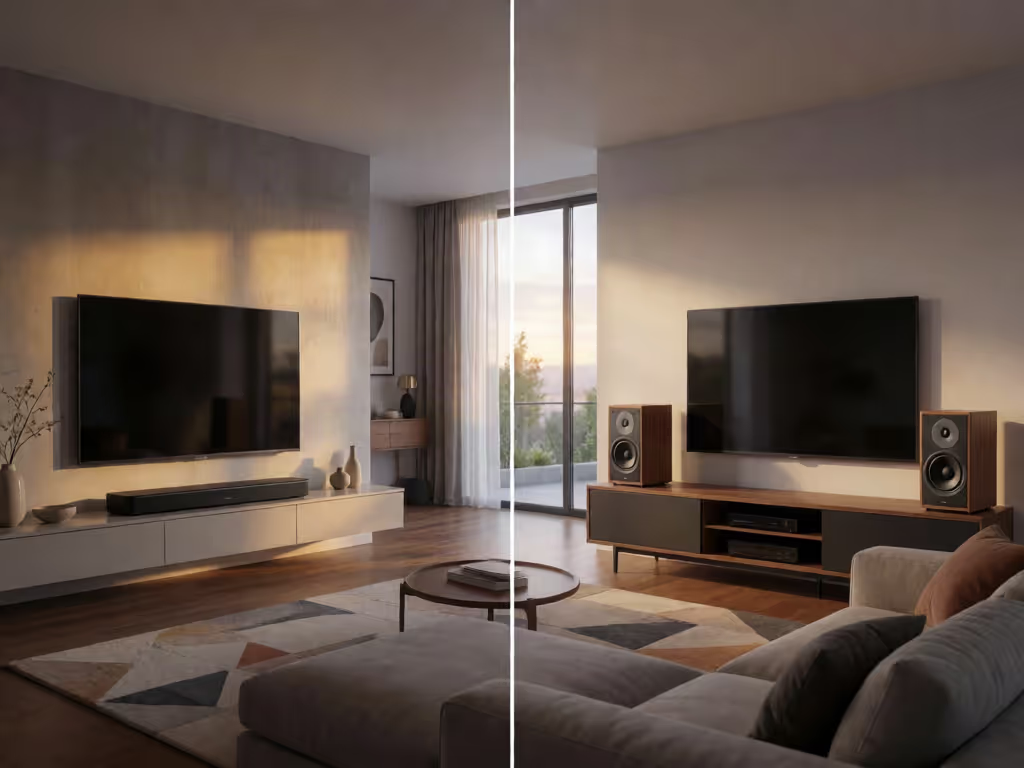
That distinction is tangible on paper: the Signa S4 includes a dedicated center channel and physical height-oriented drivers, while the Yamaha lists virtual 3D surround processing. It does not make one universally better. It tells you which design better matches what you want to prioritize.
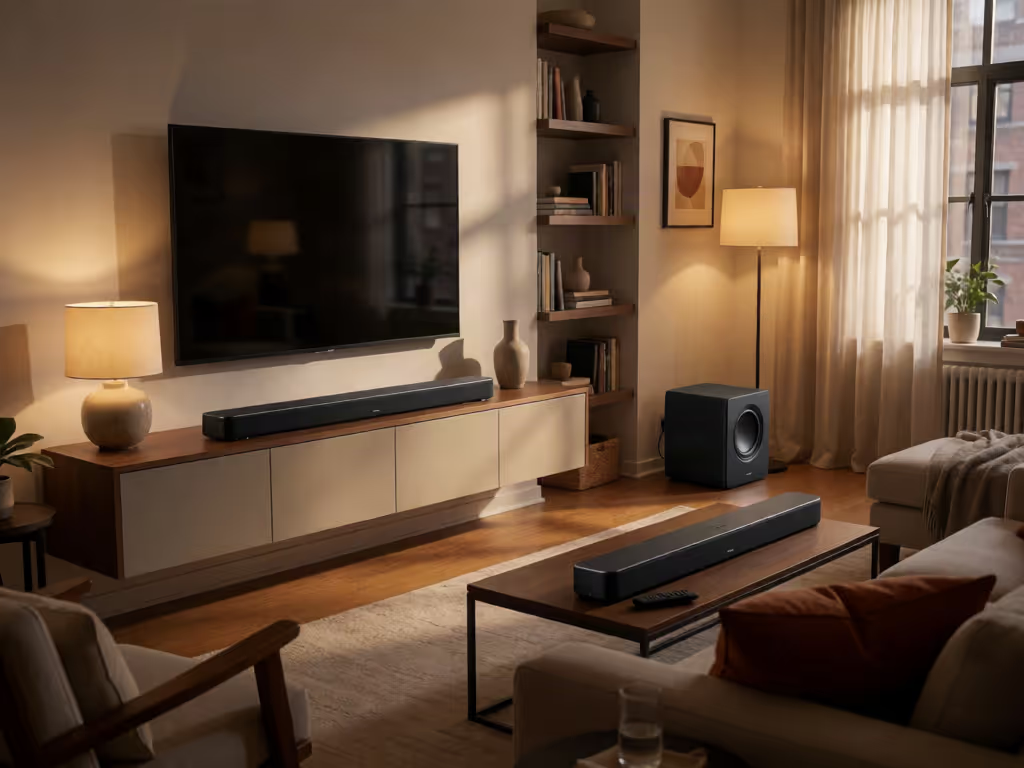
The Yamaha SR-C30A is the natural fit when physical space and low-fuss use are the first constraints. Its 23-inch bar and wireless compact subwoofer are a sensible starting point for a smaller TV stand, apartment living room, bedroom television, or gaming nook where a full-width bar would look out of place.
Its compact subwoofer can be positioned vertically or horizontally. That flexibility can help you find a spot that looks intentional rather than improvised, especially when you follow a few soundbar placement principles. It does not promise identical bass in every location, so use your own room and neighbor tolerance as the final judge.
Yamaha lists four sound modes (Standard, Stereo, 3D Movie, and Game), alongside Clear Voice and Adaptive Low Volume. Those are especially relevant when “turn it up” is not a realistic solution. Start from a comfort volume and use the dialogue-oriented feature before reaching for more volume.
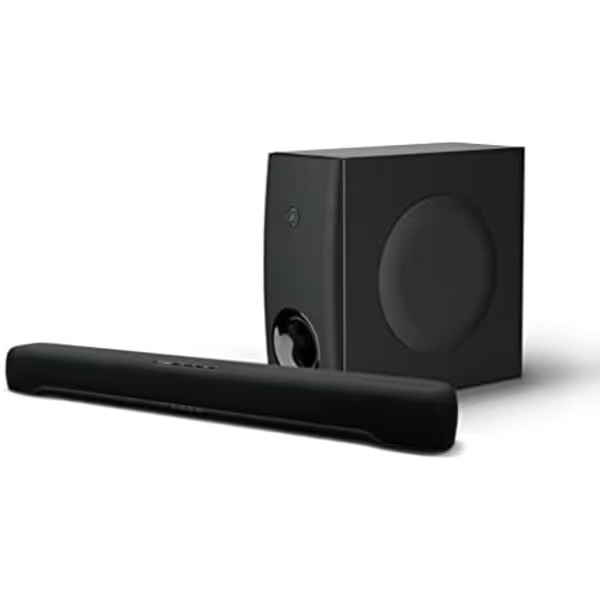
One important compatibility note: the collected SR-C30A listing identifies HDMI, optical, and aux connections, but does not identify the HDMI connection as eARC. If eARC is non-negotiable in your system, confirm the current manual and your TV's ports before buying.
The Polk Signa S4 makes the clearer case for buyers who want a soundbar with Dolby Atmos and do not want to move into a multi-speaker receiver setup. Its 3.1.2 configuration, dedicated center channel, and two upward-firing drivers are all part of the product's design.
The key dialogue advantage on the feature sheet is not merely the number printed on the box. Polk pairs its center channel with VoiceAdjust technology, which Polk says is intended to improve dialogue intelligibility. You can adjust voice levels while retaining the rest of the soundtrack rather than treating the entire mix as one blunt volume control.
For late viewing, the Signa S4 also offers Night Mode. Polk states that this mode automatically reduces bass output and accentuates dialogue clarity. That is the kind of practical control that can make the difference between finishing a film and pausing it when the house gets quiet. I have seen how a few thoughtful adjustments (dialogue lift, night listening, and less subwoofer) turn a tense after-bedtime movie night into one where nobody asks, “What did they say?”
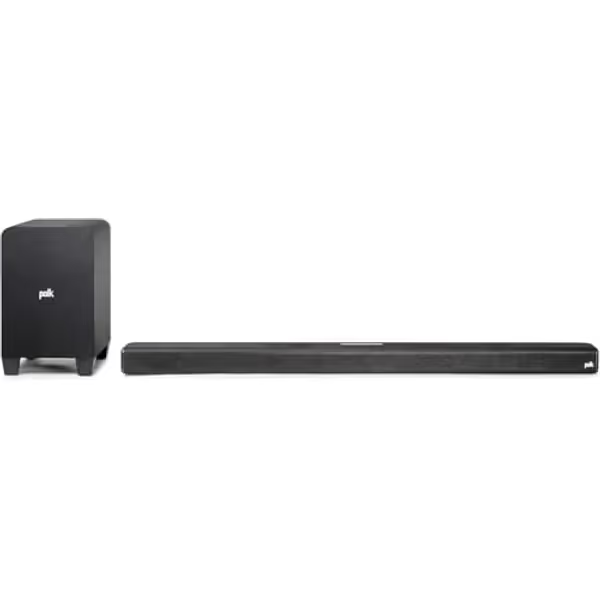
Polk describes the Signa S4's up-firing drivers as delivering Dolby Atmos height channels for overhead sound, and it can up-mix non-Atmos content to create a virtual Atmos experience. That is a meaningful hardware and processing difference from the Yamaha's virtual 3D feature set.
But choose it for the approach—not a universal promise that every room will create the same sense of height, as the real-world difference between physical and virtual height channels depends heavily on room conditions. This comparison cannot tell you how a specific ceiling, seating position, or room surface will affect your result. Treat Atmos as a feature you want access to, not a substitute for setting the system to a comfortable, intelligible balance.
Measure your stand before ordering the Signa S4. Its wireless subwoofer has a 5.9-inch driver and is listed with a placement range of up to 33 feet (10 meters) from the bar, but range is not a promise that every position will sound equally balanced at your seat.
A polished system is one you can operate without explaining it to everyone in the house. Keep the initial connection simple, then test it with the content you actually watch.
The Signa S4 also includes HDMI and optical cables and has aux-in for older TVs. HDMI eARC is the stated HDMI capability for this model; compare the HDMI ARC and optical tradeoffs and check both your TV documentation and the soundbar manual for the settings available with your own gear.
For both systems, resist the urge to judge the setup from one explosion-heavy demo. Use a conversation-led show, a movie with both quiet scenes and action, and your normal seating position. The best preset is the one that ends rewinds.
Choose the Yamaha SR-C30A if most of these statements are true:
Choose the Polk Signa S4 if most of these statements are true:
Likewise, the Signa S4's soundbar height effects are associated with its two up-firing drivers, while the Yamaha lists virtual 3D surround processing.
For the Signa S4 specifically, Polk describes discrete left, center, and right channels. Its complete listed configuration is 3.1.2, which also includes two up-firing drivers. Other soundbars may use channel labels differently, so check the product's own driver layout rather than assuming every “3.1” model is built the same way.
It can be the right fit when your goal is a compact bar-and-subwoofer system with dialogue and lower-volume features. The SR-C30A lists Clear Voice, Adaptive Low Volume, virtual 3D surround sound, and a wireless compact subwoofer. Whether that is “enough” depends on whether those priorities matter more to you than a dedicated center channel and up-firing drivers.
It is worth considering when you want the Signa S4's 3.1.2 configuration, center channel, two up-firing drivers, and HDMI eARC. It is not necessary simply because Atmos is fashionable. A compact 2.1 system can be the wiser choice when furniture limits, low-volume comfort, and uncomplicated placement matter most.
Take a tape measure to your TV stand today: mark 23 inches for the Yamaha SR-C30A, then check the available space for the Polk Signa S4. Then write down one sentence: “At night, I most need ______.” If the blank is clear speech in a compact space, start with Yamaha. If it is a center channel and Atmos-focused hardware, start with Polk, and make your dialogue-track win part of the setup from the first movie night.