Best Soundbar Picks & Buying Guides
Best Soundbar for Podcasts and Audiobooks at Low Volume
7th Oct•12 min read
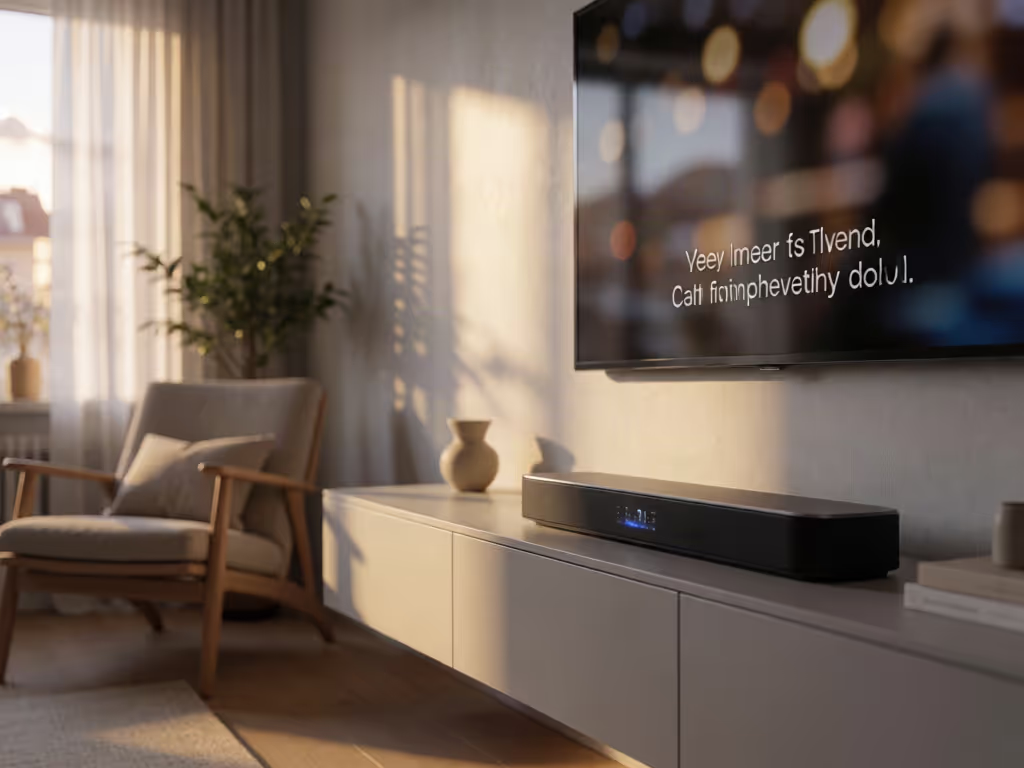
The Yamaha SR-C30A is the strongest fit here for a small, TV-centered room where clear dialogue, a low-profile bar, and simple HDMI ARC/CEC control matter most. Its separate wireless subwoofer adds bass without a cable between the two audio units, but both pieces still need power.
Important: The evidence supports a strong use-case recommendation, not a category-wide best ranking.
Finding the best compact soundbar is less about buying the widest feature list and more about solving the everyday problem: muddied dialogue, a crowded TV stand, and a setup nobody wants to troubleshoot nightly. If you need a small soundbar for TV that prioritizes voices, a low-profile front bar, and a cable-light connection to the television, Yamaha's SR-C30A is a focused option worth considering, provided its limits fit your gear.
The important distinction: a compact bar can make TV sound dramatically easier to live with, but it should not create a new furniture, cable, or neighbor problem. Let's run the real-room fit check before chasing bigger specs.
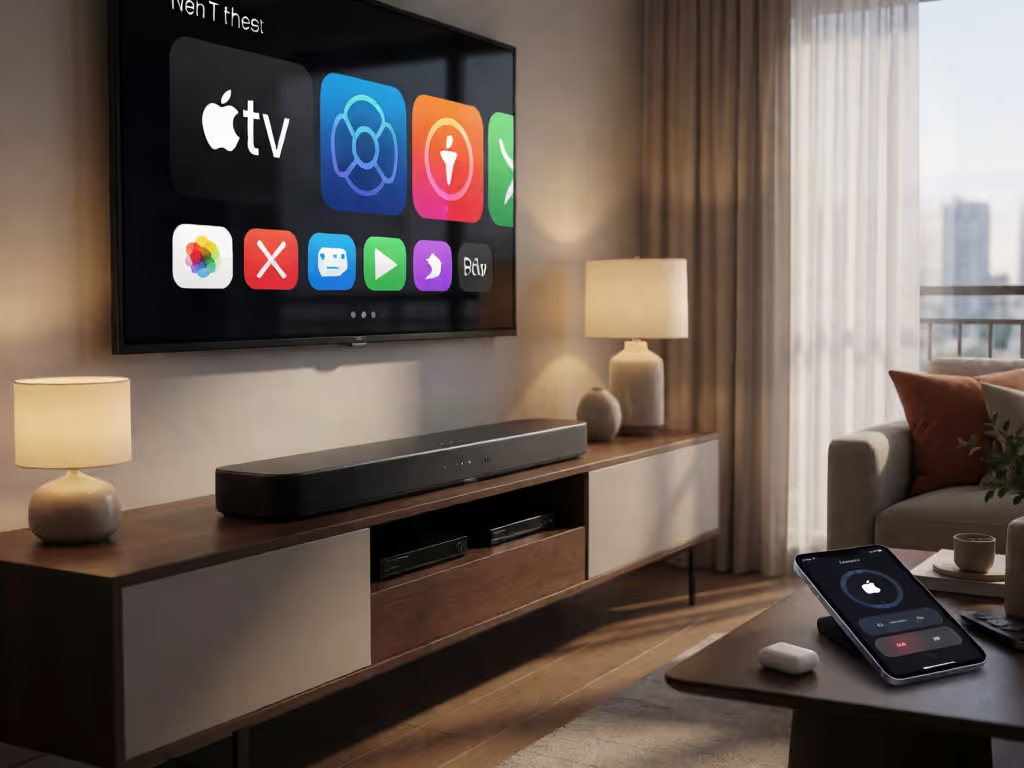
A small-room soundbar performance guide is especially useful because a small living room or apartment creates two competing needs. You want speech to stay intelligible when everyone else is asleep, yet you do not want a thin, disappointing soundtrack. You also want the neat one-remote experience the SR-C30A can provide when connected through HDMI ARC with HDMI Control enabled, but your TV stand may have barely enough clearance for a bar in the first place.
That is why "compact" needs to mean more than narrow.
A useful compact soundbar needs to clear these four tests:
The Yamaha SR-C30A addresses the first two unusually directly. It is a two-piece system: a 600 mm (23-5/8-inch) center soundbar plus a wireless subwoofer. The center unit is only 64 mm (2-1/2 inches) high and 94 mm (3-3/4 inches) deep. That low height is the detail to measure before anything else. For more guidance on getting the most from cabinet or wall placement, see this soundbar placement guide.
The usual TV-speaker complaint is not simply that sound is quiet. It is that music, effects, and room noise seem to arrive at the same level as speech. Turning the volume up can make dialogue clearer, but it also makes every impact, commercial, and bass hit louder.
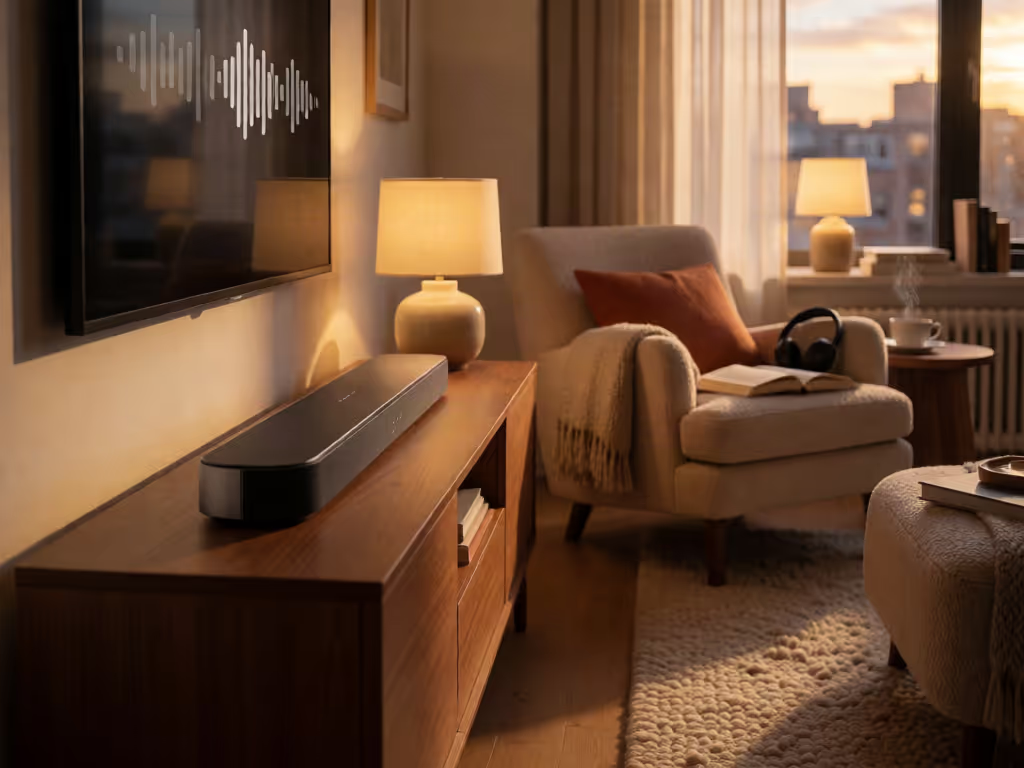
In a thin-walled building, I learned quickly that this is a poor trade. My own first-week routine involved taped speaker positions, a carefully chosen lower volume, and a simple voice-focused setting, enough to make dialogue clear without inviting a knock from upstairs. Great TV sound is what you can enjoy every night, not what only works during a rare loud weekend session.
For this use case, the SR-C30A has two relevant tools:
There are also Stereo, 3D Movie, and Game modes. Treat these as quick content presets rather than a reason to overcomplicate the setup. A practical soundbar presets guide can help you fine-tune these modes for movies, TV, sports, and other content. Start with Standard for everyday TV, then try 3D Movie for films and Game for console play. If speech is still buried, turn on Clear Voice. For more models designed around vocal intelligibility and cinematic viewing, compare these soundbars for dialogue clarity.
One independent hands-on review found that Clear Voice raised speech further in movie and news material. That is encouraging for dialogue-first buyers, but it also noted extra sibilance, an overly sharp "s" sound, on some content. This is why the correct setting is not always "on." Listen to a familiar news show and a familiar drama at your normal evening volume. If voices become too bright, return to Standard mode without Clear Voice.
The winning setup is the one that lets you stop riding the volume buttons.
The Yamaha SR-C30A Compact Sound Bar with Wireless Subwoofer is best understood as a small-TV-room system rather than a do-everything home-theater hub. Its compact front bar solves a genuine placement problem, while the separate subwoofer design gives you more flexibility than a bar-only design.
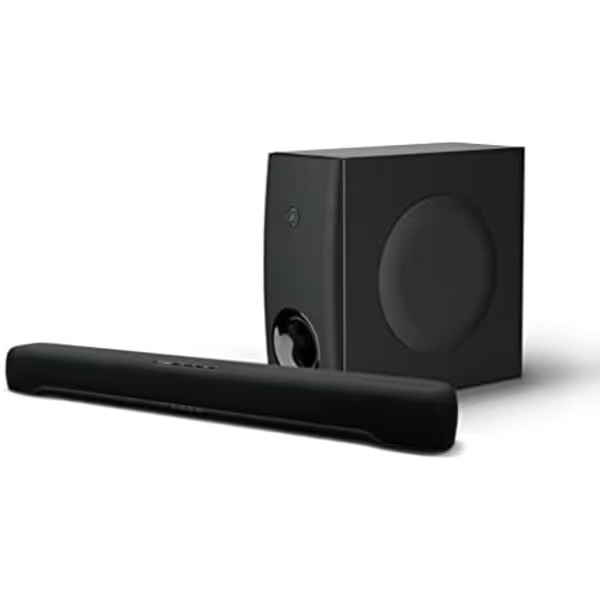
The bar's 600 mm width makes it a sensible match for a narrow media console, desktop-style TV setup, or smaller screen. Its 64 mm height is particularly useful where a taller bar would overlap the bottom of the display. Still, do not assume it will clear your specific TV: measure from the furniture surface to the lower edge of the picture, then leave room so the bar does not obstruct the TV's infrared receiver.
The wireless subwoofer measures 335 × 160 × 364 mm (W × H × D), or 13-1/4 × 6-1/4 × 14-3/8 inches. It can be positioned vertically or horizontally, giving you more placement choices beside a console than a fixed-orientation box.
"Wireless" here means the audio link between soundbar and subwoofer (not a wire-free system). Both the soundbar and subwoofer need AC power. Plan for two available wall outlets before you buy. That small planning step prevents the classic renter setup where the sub fits physically but cannot reach power without an extension cable crossing the room.
The SR-C30A's connection plan is simple:
For most TV-first rooms, HDMI ARC is the clean choice. Connect the bar to the TV HDMI port labeled ARC, enable HDMI Control/CEC on the TV, and set TV audio output to the soundbar/ARC option. In that arrangement, the TV remote can control soundbar volume and power. That is the strongest route to one-remote simplicity.
If your TV only has optical output, the supplied optical cable gives you a practical fallback for TV audio. The tradeoff is control: with optical, HDMI Control is not available, so the TV remote will not provide the same integrated soundbar power and volume behavior. You would use Yamaha's supplied remote instead.
This is also not the right product if you need the soundbar to act as an HDMI switcher for consoles and streaming boxes. Yamaha specifies no 4K pass-through. Connect external AV devices to the TV's HDMI inputs, then send the TV's audio back to the bar through ARC. That arrangement keeps the system simple, but your TV must have enough HDMI inputs for your sources.
As a Bluetooth sound bar for TV, the SR-C30A can also play audio from a phone or tablet. It supports Bluetooth 5.0 with SBC and AAC codecs. It can stay connected to two Bluetooth devices, though you must stop playback on one before starting the other; it does not mix or play both at once.
Yamaha also supports control through its Sound Bar Remote app over Bluetooth. The app is a convenience for adjusting settings from the sofa, while the included physical remote remains the clearest choice for quick changes.
Do not buy this model expecting a network-streaming platform. Yamaha lists no Wi-Fi, AirPlay, or MusicCast Surround. That can be a limitation if multiroom streaming is central to your plan, but it is also fewer network behaviors to manage in a straightforward TV setup.
With only one product in this review, it would not be responsible to call the SR-C30A the category-wide best compact soundbar. What the available evidence does support is a more useful conclusion: it is a strong fit for a particular kind of room and routine.
The SR-C30A is a sensible shortlist choice if you want:
Look beyond it if you need:
For gamers, the practical question is simple: does your TV have the inputs and video features you need for the console? Since the console connects to the TV rather than through the SR-C30A, the television carries that compatibility burden.
Write down three measurements:
Compare those with the bar's 600 × 64 × 94 mm dimensions. If the bar blocks the TV's picture or remote sensor, change the placement plan before opening the box.
Use a commercially available HDMI cable; one is not included. Connect the bar's HDMI output to the TV's ARC-labeled HDMI port. Then enable the TV's HDMI Control/CEC setting and select ARC or soundbar as the TV audio output.
If your TV lacks ARC, use the included optical cable for sound. Expect to use the Yamaha remote for soundbar control rather than relying on the TV remote.
Connect streaming boxes, consoles, disc players, and set-top boxes to the television's HDMI inputs. This is the intended layout for the SR-C30A, and it avoids expecting video pass-through the bar does not provide.
Start with the subwoofer near the TV console rather than pressed into a corner. Use its vertical or horizontal orientation to fit the room, but make sure its power cable reaches the outlet cleanly. Avoid running a cable across a doorway.
Then listen at your normal evening level. If the low end seems to travel through the floor or wall more than you want, move the subwoofer before increasing volume. Small placement changes are often more useful than chasing louder settings.
For daytime, begin with Standard mode. For films, test 3D Movie. For late viewing, try Standard with Clear Voice on at your usual low-to-moderate level. That is your practical neighbor-peace mode: clearer speech first, rather than more overall volume.
The Yamaha SR-C30A is not a universal answer to every soundbar search. It has no HDMI video pass-through, no Wi-Fi streaming ecosystem, and no claim to replace a larger, more elaborate system. But those are not necessarily problems in a small, TV-centered room.
Its argument is tighter: a notably compact bar, a separate wireless subwoofer that can be oriented to suit the space, HDMI ARC/CEC for a one-remote-friendly setup, optical fallback, Bluetooth playback, and dedicated voice-focused controls. For renters, parents, and anyone tired of unclear dialogue from TV speakers, that combination can be exactly the right-sized upgrade.
Before purchasing, verify local availability and support. Yamaha's product status differs by region, with a collected European specifications page labeling the SR-C30A discontinued. If it is available where you live, buy it for the room-first strengths, not for features you will never use. The best compact soundbar for your TV is the one that fits under the screen, keeps voices clear at sane levels, and remains easy to use after the first night.