
Best Soundbar Picks & Buying Guides
Best Soundbar for Podcasts and Audiobooks at Low Volume
7th Oct•12 min read
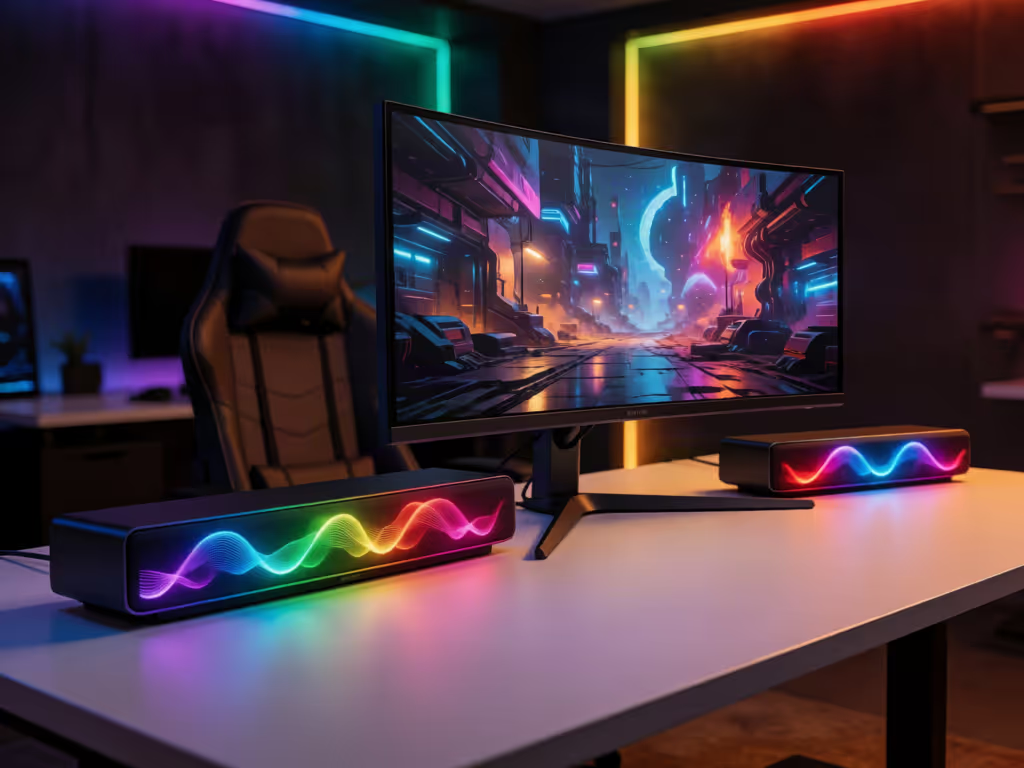
The Razer Leviathan V2 is the strongest documented fit for a Windows RGB desk, with 18 Chroma zones, PC-mode Synapse synchronization, USB audio, and a wired subwoofer. Choose the Redragon ADIEMUS GS560 instead for a simpler 2.0 setup with USB power, 3.5 mm audio, and four touch-controlled LED modes.
Important: No independent head-to-head testing supports a universal winner for sound quality, positional accuracy, reliability, or real-world gaming latency.
A gaming speaker bar should earn its desk space twice: it needs to simplify PC gaming audio and lighting while keeping the front edge of your setup uncluttered. That makes feature fit more important than a flashy spec sheet. In this comparison, the choices split cleanly: the Razer Leviathan V2 is the more fully featured PC-focused option on paper, while the Redragon ADIEMUS GS560 is the simpler 2.0 soundbar with LED lights. In this comparison, the choices split cleanly: the Razer Leviathan V2 is the more fully featured PC-focused option on paper, while the Redragon ADIEMUS GS560 is the simpler 2.0 soundbar with LED lights. For another direct look at PC gaming soundbars, see our Razer Leviathan V2 vs Stage SE comparison. The Razer Leviathan V2 Pro exists, but its public specifications are too limited to recommend yet.
That distinction matters. RGB is easy to buy and easy to regret if it adds cable mess, software overhead, or a bulky subwoofer you cannot place well. Pay for clarity and convenience; skip vanity features and logos.
The Razer Leviathan V2 is the most sensible choice for someone building a Razer-centered desktop. Razer describes it as a multi-driver gaming soundbar with a subwoofer, and its 500 mm length is intended to sit beneath a monitor. That is a useful starting point for a clean setup: measure the clear width below the display and confirm the bar will not crowd your keyboard’s preferred position before buying.
Its lighting is not an afterthought. The Leviathan V2 has 18 Razer Chroma RGB zones. In PC mode, Razer Synapse can personalize the lighting effect and synchronize it with other Synapse-enabled Razer devices. If your keyboard, mouse, and headset already live in Synapse, that is meaningful bundle value: one ecosystem for the visual layer rather than a string of unrelated rainbow presets.
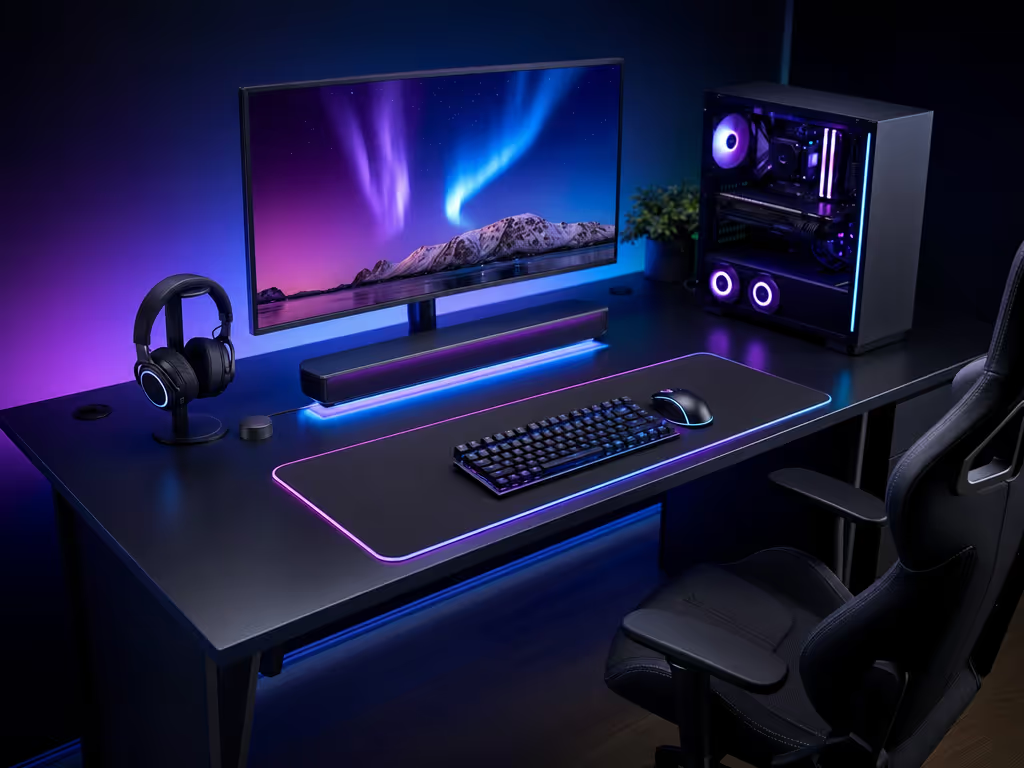
For PC audio, the Leviathan V2 has USB audio input. It also has Bluetooth 5.2. Razer’s manual states 60 ms low latency for Bluetooth, but treat that as a manufacturer Bluetooth specification, not a measured gaming-latency result, and not proof of how USB compares in use.
The subwoofer connects by wire. That can be a practical tradeoff rather than a flaw: the audio bar stays centered under the screen, while the bass unit has a defined cable path. But it also creates setup friction. Plan for a power location, a route for the subwoofer cable, and a position that does not turn your desk zone into a wire crossing. If the room cannot accommodate that cleanly, do not pretend the subwoofer is invisible just because it is not on the desktop.
Razer also lists THX Spatial Audio through Razer Synapse on Windows 10 64-bit or later. That is a PC-specific feature consideration, not a guarantee of better positional performance in every game. Still, it makes the V2 the more feature-complete candidate for a Windows player who wants lighting controls and audio settings in the same familiar software environment.
Choose the Leviathan V2 if these points describe your rig:
Skip (or at least pause on) the Leviathan V2 if a second unit and its cable are a nonstarter. A compact desk can look worse with a poorly placed subwoofer than with a simpler 2.0 bar. This is the classic diminishing-returns moment: adding more hardware is only an upgrade when your placement can support it.
Also, do not buy it assuming HDMI connectivity, 4K/120 passthrough, VRR, ALLM, console integration, or TV eARC support. Those capabilities are not confirmed. This is a PC desktop candidate first, not a confirmed all-purpose living room soundbar.
The Redragon ADIEMUS GS560 RGB Desktop Soundbar takes the opposite route. It is a 2.0-channel stereo desktop soundbar, powered by USB, with listed 3.5 mm audio plus USB connectivity. Its stated dimensions are 15.8 × 2.7 × 2.8 inches, which makes it the easier product to evaluate for desks where every inch beneath the monitor counts. Its stated dimensions are 15.8 × 2.7 × 2.8 inches, which makes it the easier product to evaluate for desks where every inch beneath the monitor counts. Our under-monitor PC soundbar setup guide covers desk fit, nearfield placement, connections, and cable management in more detail.
Redragon lists four backlit modes, including dynamic and static glowing LED illumination. You switch modes by touching the Redragon logo. The manufacturer also describes a backlight show that synchronizes to playing music. That is straightforward, self-contained lighting: no claim of per-zone control, software-based RGB coordination, or in-game event lighting is established here.
A basic touch-controlled LED system has an advantage when you do not want another desktop app, account, or configuration layer. Pick a color treatment that works with your rig, let it run, and get back to playing. For renters, shared workspaces, and minimalist battlestations, that can be a better outcome than chasing maximum customization.
The GS560 has no separate subwoofer in its configuration. That means fewer pieces to hide and no subwoofer cable to route across the desk or down to the floor. It also means you should set expectations accurately: its published design is 2.0 stereo, while the Razer is a multi-driver bar with a wired subwoofer. Those are different configurations, not interchangeable versions of the same idea. Those are different configurations, not interchangeable versions of the same idea. For a deeper breakdown of integrated versus separate subwoofers, compare how each design affects space, bass performance, and setup complexity.
As of August 28, 2026, the manufacturer page listed the GS560’s regular price as US$39.99. This is a dated price snapshot, so verify the current listing before publication or purchase. At that listed price, the GS560 was presented as the value-oriented option, not a reason to assume it provides the same set of audio features as a larger soundbar-and-subwoofer system.
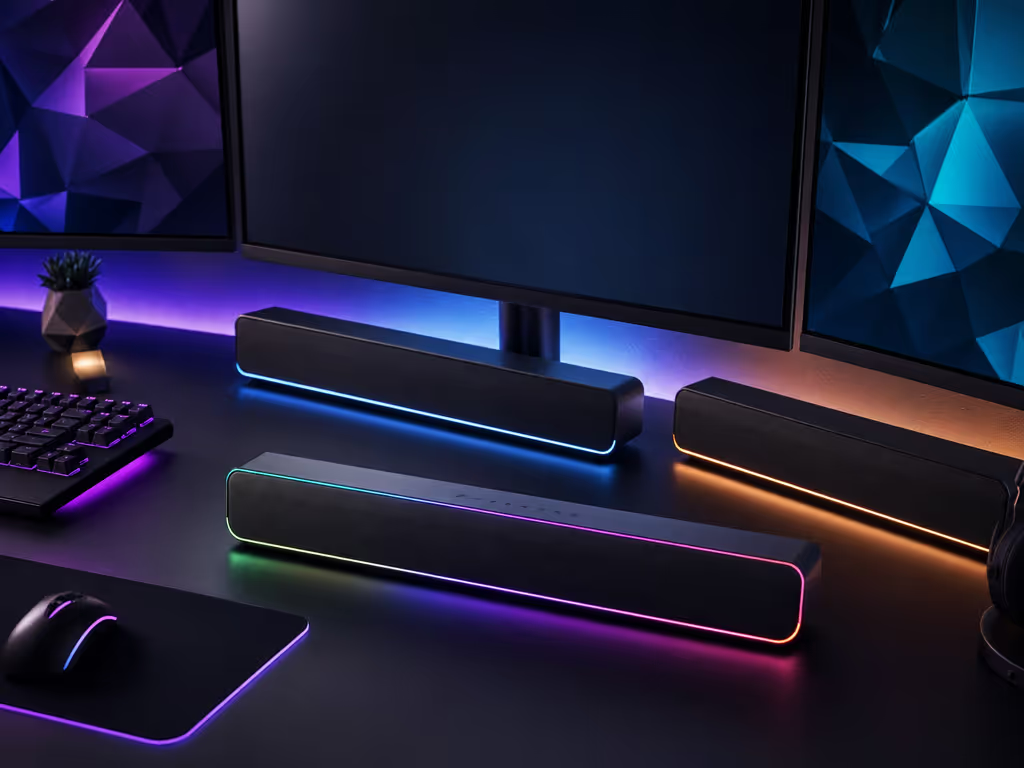
The GS560 is the sensible fit when your priorities are these:
The specs do not confirm Bluetooth, software lighting integration, Razer Chroma compatibility, per-zone lighting controls, or game-event RGB effects for the GS560. They also do not confirm latency measurements, HDMI functionality, or direct gaming-monitor connectivity.
That is not nitpicking. It prevents a common buying mistake: seeing “RGB desktop soundbar” and assuming it performs every RGB or console task a much more elaborate model might advertise. Here, the promise is simpler: 2.0 stereo, USB power, 3.5 mm audio, and four LED modes.
The Razer Leviathan V2 Pro is a distinct model, identified by Razer as RZ05-04160. But that is where the dependable comparison ends. The available material for this comparison does not establish its lighting-zone count, audio configuration, inputs, Bluetooth version, dimensions, price, or the features discussed above for the standard Leviathan V2.
Do not let similarly named products blur the decision. In particular, the standard Leviathan V2’s 18 RGB zones, USB audio input, Bluetooth 5.2, stated 60 ms Bluetooth figure, wired subwoofer, and Synapse-based spatial-audio details should not be carried over to the V2 Pro without model-specific confirmation.
For a commercial purchase, that makes the Pro a wait-and-verify option rather than a ranked recommendation. Confirm the exact model name and the current official specifications before it goes into your cart. Buy it once means buying the right variant once, not assuming the family name guarantees the same connections or lighting behavior.
Here is the practical comparison based only on confirmed features.
| Your priority | Better documented fit | Why |
|---|---|---|
| Synced RGB across compatible Razer desktop gear in PC mode | Razer Leviathan V2 | In PC mode, Synapse can personalize lighting [and synchronize it with other Synapse-enabled Razer devices. |
| More elaborate documented lighting | Razer Leviathan V2 | It has 18 Chroma RGB zones. |
| Known dimensions and fewer components | Redragon ADIEMUS GS560 | It is listed at 15.8 × 2.7 × 2.8 inches and uses a 2.0 configuration. |
| Simplest lighting control | Redragon ADIEMUS GS560 | Touch the logo to cycle through four lighting modes. |
| Documented USB audio input | Razer Leviathan V2 | USB audio input is specified. |
| USB-powered bar with listed 3.5 mm audio | Redragon ADIEMUS GS560 | The manufacturer lists USB power and 3.5 mm audio plus USB connectivity. |
| Desktop system with a subwoofer | Razer Leviathan V2 | Razer documents a wired subwoofer. |
| Dated manufacturer-page price snapshot | Redragon ADIEMUS GS560 | As of August 28, 2026, the manufacturer page listed a regular price of US$39.99; verify the current price before publication or purchase. |
Clean setup wins when the bar’s connections, lighting controls, and physical footprint fit your desk without workarounds.
There is not enough data here to name a universal sound-quality winner. The two models have different configurations, but there is no independent head-to-head testing on clarity, bass, spatial accuracy, real-world gaming latency, and reliability. Anyone claiming one is definitively “best sounding” would be filling in gaps with confidence rather than data.
Use this short checklist to avoid avoidable returns.
Measure the monitor gap, not just the desk. Check the available width and height below the monitor stand. The Leviathan V2 is 500 mm long; the GS560’s listed dimensions are 15.8 × 2.7 × 2.8 inches.
Map every cable before choosing the bar. The Leviathan V2 includes a wired subwoofer. The GS560 uses USB power and lists 3.5 mm audio plus USB. Decide where each cable will go before the package arrives.
Match RGB ambition to RGB tolerance. Want coordinated desktop lighting in PC mode? The V2’s Synapse support is the relevant feature. Want a few quick presets without software involvement? The GS560’s four touch-switched modes are the cleaner match.
Keep connectivity claims model-specific. Neither product’s details confirm HDMI, eARC, or gaming-monitor-direct connections. Do not buy either one for those uses without checking the exact current documentation for your intended setup.
Do not equate a stated Bluetooth number with overall gaming performance. The V2’s manual states 60 ms for Bluetooth. That does not establish USB latency, real-world latency in games, or a cross-product latency advantage. That does not establish USB latency, real-world latency in games, or a cross-product latency advantage. Competitive players can also consult our gaming audio latency comparison for a closer look at measured responsiveness and in-game audio processing.
Treat a subwoofer as a placement decision. More hardware is not automatically more value. If it must sit in an awkward, cable-exposed spot, the 2.0 solution may deliver the better day-to-day experience.
This is the part many shoppers skip while comparing RGB screenshots. My cousin’s condo setup came together only after we treated ports, remotes, and cable paths as seriously as sound; the flashy option went back, while the tidier midrange route stayed. The lesson holds at a gaming desk: the gear you enjoy is the gear that fits the room and disappears into your routine.
These two products have PC-facing connectivity, but that does not create a universal monitor rule. The Razer Leviathan V2 has USB audio input. The Redragon GS560 is USB powered and lists 3.5 mm audio plus USB. The product details do not confirm a direct connection path from either bar to a gaming monitor.
That cannot be confirmed from the listed specifications. Before buying for a monitor-direct setup, check the exact audio-output options on your monitor and the current documentation for the specific bar. Do not assume a desktop soundbar will connect directly to every monitor.
They can be a clean desktop format, but “good” depends on the features you actually need. The Leviathan V2 is positioned as a gaming soundbar and has Windows spatial-audio availability through Synapse. The GS560 is a 2.0 desktop bar with four lighting modes and listed 3.5 mm audio plus USB connections. Neither set of details proves a universal performance advantage over every other audio format or product.
For a clean RGB rig, the best choice depends on how much system complexity you can justify.
Choose the Razer Leviathan V2 if you want the fuller PC-centered feature set: 18 Chroma RGB zones, PC-mode Synapse lighting synchronization, USB audio input, Bluetooth 5.2, Windows-based THX Spatial Audio availability, and a wired subwoofer. It is the logical fit when you have the desk and cable-routing plan to support it.
Choose the Redragon ADIEMUS GS560 if you want the simple value play: a 2.0 desktop soundbar, USB power, listed 3.5 mm audio, four touch-controlled LED modes, and no separate subwoofer to place. It makes the most sense when you want visible RGB without visible setup friction.
Hold off on the Razer Leviathan V2 Pro until you can confirm current, model-specific specifications for the exact functions you need. Its name is not enough to safely compare it with the standard V2.
The final verdict is not about prestige or maximum features. Pick the Leviathan V2 for confirmed PC-mode ecosystem integration and a subwoofer-based desktop layout; pick the GS560 for 2.0, low-clutter RGB value. Either way, prioritize the setup you can route neatly and use easily every day, because clean setup wins.
![Suggested Title: Dorm Room Soundbar Setup for Clear, Quiet TV Audio
This focuses on compact soundbars sized for dorm TVs that improve dialogue clarity while staying friendly to shared-wall quiet hours and student budgets[1][6][9].](/images/article/thumbnail/48cc1a59-35c7-41c5-a8c4-7c46b8f770e4.avif)