Best Soundbar Picks & Buying Guides
Best Soundbar for Podcasts and Audiobooks at Low Volume
7th Oct•12 min read
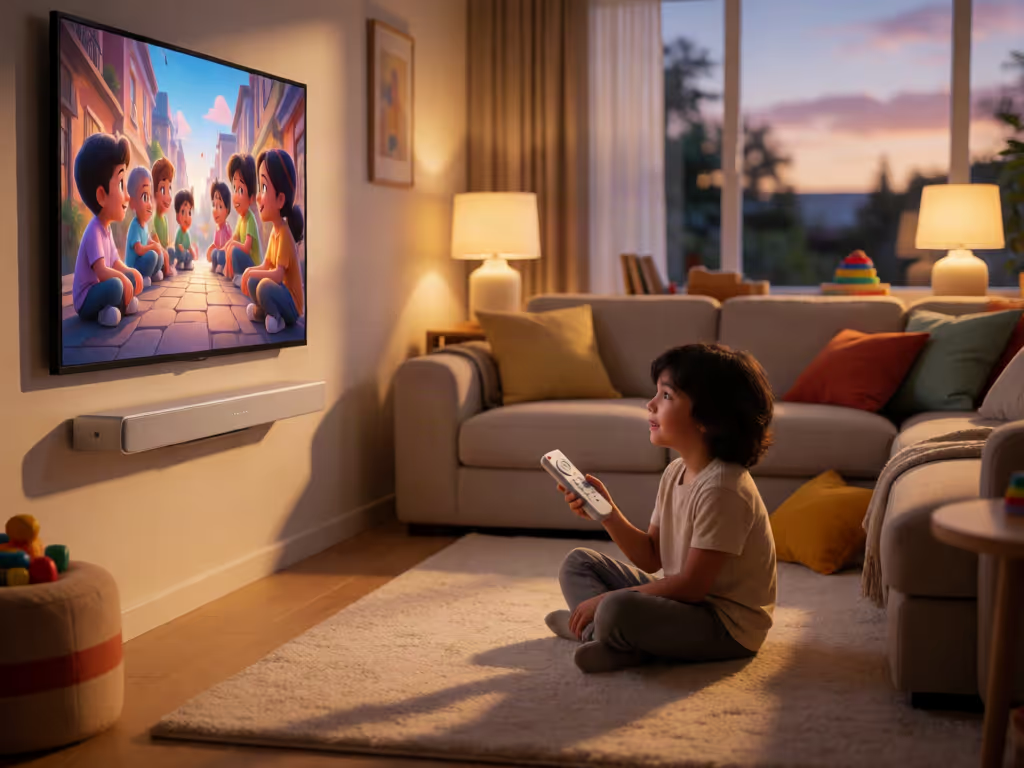
A kid-friendly soundbar is defined less by a special speaker category than by controlled exposure, an enforceable volume ceiling, and a simple TV-to-soundbar routine. No collected evidence maps a soundbar percentage to a verified safe dB/dBA level across room conditions.
A kid friendly soundbar is less about buying a special category of speaker and more about building a predictable listening routine: clear dialogue, a measured child safe soundbar volume, and controls that cannot be casually pushed past the household's chosen ceiling. For families, the useful upgrade is not simply "more sound." It is sound that stays intelligible at restrained levels, with a signal path and control plan that adults can live with every day.
Route first, then features; reliability makes rooms feel cinematic.
A family-ready setup has three layers, in this order:
That last point is easy to underestimate. Keep TV-to-soundbar operation simple: use one known connection, one usual remote, and a volume cap that remains in force. Good family room soundbar safety begins with reliable soundbar setup.
Sonos’s 0–100 volume scale is not a decibel measurement. Treat that on-screen number as a control position, not a hearing-safety reading.
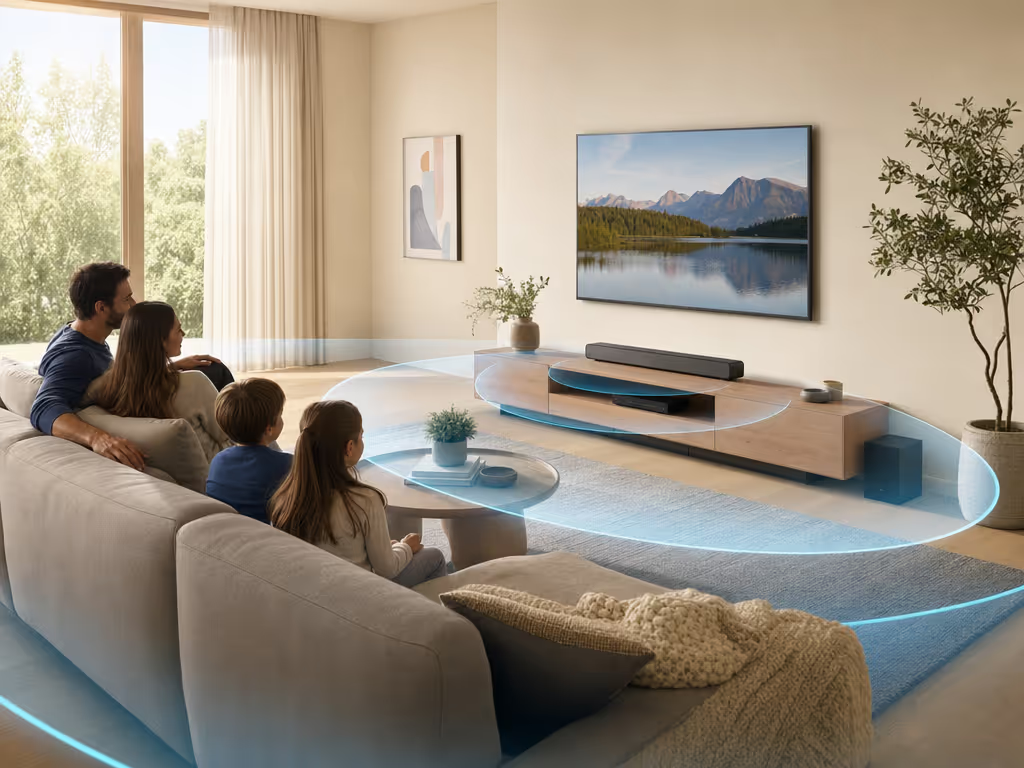
No collected evidence maps a soundbar setting to a verified safe dB/dBA level across room conditions. Available child-listening guidance uses exposure-based benchmarks rather than a soundbar slider percentage.
The American Tinnitus Association reports a WHO-attributed pediatric criterion of no greater than 75 dB for a total of 40 hours per week. Separately, Hearing Health Foundation recommends limiting children's average exposure to 70 dBA and notes that the 85 dB workplace threshold is not safe for children. These are not interchangeable targets: they use different framing and duration assumptions.
The practical takeaway is deliberately conservative:
For hearing protection for children audio, a cap is a guardrail, not a medical certification. A lower, clear dialogue setting that supports ordinary conversation nearby is a more useful family objective than chasing a particular number on a soundbar display; families needing more specialized speech support can also review soundbar speech enhancement features.
Use familiar material with spoken dialogue. Set the normal watching level when the room is occupied as it usually is: same seating, curtains, rug, and everyday background noise. Do not establish the cap from a trailer, action scene, or music track; their dynamics are often unlike a typical children's program.
Then create two household presets in writing, even if the soundbar itself does not store them; households with different listening needs may also benefit from family soundbar calibration:
The goal is less remote handling. If parents are constantly riding volume between whispers and effects, the base level or content choice is not working for the room.
Some platforms provide a true product-level maximum. For example, the Sonos Beam (Gen 2) can be controlled in the Sonos app and includes Volume Limit, touch controls, EQ, and Night Sound settings. Sonos documents Volume Limit on a 0-100 app scale for each product; when a limit is set, moving the visible slider fully right reaches the configured ceiling rather than the product's full output.
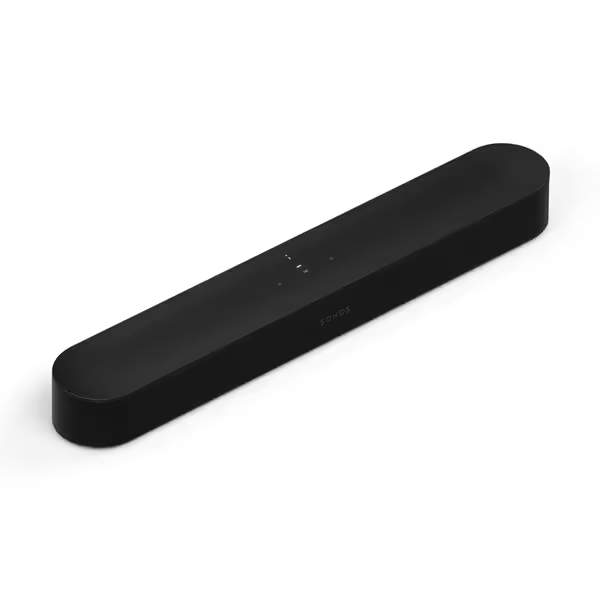
That is the kind of behavior to look for in parental controls soundbar planning: the ceiling should remain the ceiling even if someone uses the normal volume control. Sonos also documents that its configured limit applies to line-in autoplay and alarms. It does not map its 0-100 scale to a measured dB level, so set the limit based on your own room and, where needed, measurement, not a copied percentage from another home.
Night Sound can be useful for managing loudness differences in the evening, but it should not be mistaken for an independently validated safe-listening lock. It is a listening-management tool; the volume limit remains the firmer boundary.
Before handing over the remote, make sure the household knows which control handles routine volume changes. After setup, test TV on, TV off, volume up, and volume down. If any action fails, fix that before considering the system family-ready.
For a projector or a faraway equipment cabinet, map the equipment and its controls before relying on the setup for everyday use. Cable discipline matters more than adding a feature you will never use.
No. Content restrictions and loudness restrictions are different jobs.
Within Sonos System Settings, Parental Controls can restrict access to explicit content. That may be worthwhile for music use, but it is not evidence that every TV app, video service, voice route, or third-party source is filtered. Keep content supervision in the service or device where the child actually watches or listens.
Likewise, scheduled playback is not a shutoff plan. Sonos alarms can start content at a specified time in a room or group, but that function does not establish an automatic playback stop. If a child uses scheduled music, confirm the exact start and stop behavior in your own setup rather than assuming a timer is present.
Treat dialogue clarity as a setup task, not a reason to raise the master volume.
This approach is intentionally unglamorous. It keeps the focus on dialogue clarity and a lower household ceiling.
Do not use 85 dB as a child target. Hearing Health Foundation says the 85 dB workplace exposure threshold is not safe for children. The available child-focused guidance is more conservative, including an average-exposure recommendation of 70 dBA and a reported pediatric criterion of no more than 75 dB for 40 hours per week. Duration and repeated exposure matter, so no single movie-night setting tells the whole story.
For Sonos products, the app can set a per-product maximum on a 0-100 scale, and the slider remains constrained by that configured maximum. For other soundbars, check the manufacturer's documentation for the controls available on that exact model. Make the TV-to-soundbar route reliable enough that the TV remote handles routine changes.
Available guidance for headphones and earbuds suggests keeping personal devices at roughly 50% to 60% of their maximum or targeting 75 dB or lower. Those percentages are device-specific and should not be copied to a soundbar. Exposure time still matters.
Before shopping or changing settings, write down three items: the normal viewing seat, the TV's audio connection in use, and the two household volume routines (daytime and quiet hours). Then test the chain with a child-appropriate program, not a showroom demo. The best kid friendly soundbar plan is the one that stays handshake stable, keeps dialogue understandable, and makes the safe choice the easy one.
![Suggested Title: Dorm Room Soundbar Setup for Clear, Quiet TV Audio
This focuses on compact soundbars sized for dorm TVs that improve dialogue clarity while staying friendly to shared-wall quiet hours and student budgets[1][6][9].](/images/article/thumbnail/48cc1a59-35c7-41c5-a8c4-7c46b8f770e4.avif)